How Managed IT Services Protect Patient Data
Published May 10, 2024, updated August 4, 2026
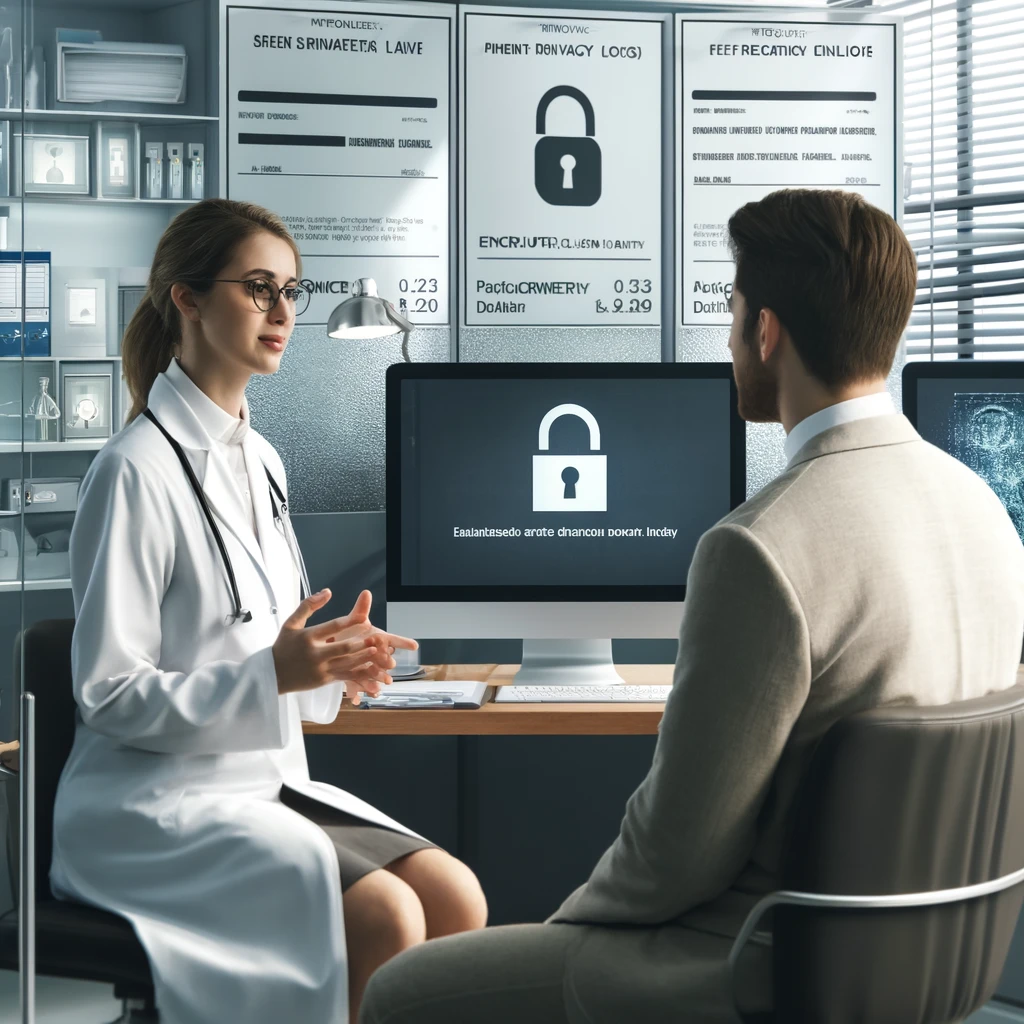
Managed IT services protect patient data by running the safeguards HIPAA already requires and keeping them current: a documented risk analysis, unique logins with multi-factor authentication, encryption on devices and email, regular patching, monitored backups that get test-restored, and phishing training for staff. HIPAA is the Health Insurance Portability and Accountability Act, the federal law that governs how patient information must be handled. For a practice owner, the point of handing this work to a managed service is accountability: it happens on a schedule, done by people whose job it is, instead of landing on the office manager between check-ins. This post is for owners and administrators at dental and medical practices who want to know what that work actually consists of, and what to ask any IT company that claims to do it.
What HIPAA actually asks of a small practice
The part of HIPAA that covers all of this is the Security Rule, and it asks for three kinds of safeguards. Administrative safeguards are the paperwork and the habits: written policies, staff training, and a documented risk analysis. Physical safeguards cover the building and the hardware: who can walk up to the server closet, what happens to old computers when they are retired. Technical safeguards are the settings: passwords, encryption, access logs, screens that lock themselves.
Two things about the rule surprise most practice owners. First, it does not require you to hire anyone. It requires the safeguards to exist and to be documented, and it leaves the how to you. Second, the risk analysis is not optional and not a one-time event. It is a required part of the rule, it has to reflect the systems you actually run, and it tends to be one of the first documents asked for if a breach is ever investigated. HHS publishes a free Security Risk Assessment tool aimed at small practices, which is a fair way to see the scope of what is expected even if someone else ends up doing the work.
The safeguards a managed service runs day to day
Unique accounts and multi-factor authentication. Every person gets their own login, and signing in requires a second step beyond the password, usually a prompt on a phone. That second step is multi-factor authentication, and it blocks the most common way accounts get taken over, which is a stolen or guessed password. The shared front-desk login that everyone knows is the first thing to go, because HIPAA expects a practice to be able to say who looked at what.
Encryption on anything that can walk away. Encryption scrambles stored data so it is unreadable without the key. Under the Security Rule it is technically an "addressable" specification, meaning a practice must implement it or document why something else covers the risk, and that documentation bar is hard to meet. The payoff shows up on the worst day: under the Breach Notification Rule, the notification duties attach to unsecured patient information, so a lost laptop that was properly encrypted is generally not a reportable breach. The same laptop unencrypted is.
Patching and endpoint protection. Most break-ins use software flaws that already have fixes published. Patching on a schedule closes those doors before someone walks through them. Alongside patching sits endpoint detection and response, software that watches each computer for attacker behavior rather than just known viruses, with a person paying attention to what it finds. This is the layer our security services cover, and it is the difference between an alert being generated at 2 a.m. and an alert being acted on at 2 a.m.
Backups that have been tested. A backup nobody has restored from is a hope, not a plan. The managed version keeps a copy separated from the practice network, so ransomware that encrypts the office cannot also reach the backup, and it runs periodic test restores so the first restore attempt is not during an emergency. The question worth asking about your own setup is specific: if the practice management server died this morning, how long until we are seeing patients again, and when did we last prove that number.
Email filtering and phishing training. Most incidents at small practices start with an email: a fake invoice, a fake sign-in page, a message that appears to come from the doctor. Filtering catches a lot of it. Short, recurring training covers the rest, because eventually someone will click, and what matters is whether they recognize it and say so. Training also happens to be one of the administrative safeguards the Security Rule expects, so it does double duty.
Vendor management and the paperwork behind it. Any company that touches patient data on your behalf, including your IT company, is a business associate under HIPAA and needs to sign a business associate agreement, a contract that makes them legally responsible for protecting that data too. An IT company that works in healthcare and hesitates to sign one is telling you something. The same eye belongs on the rest of your vendors: the imaging software, the clearinghouse, the answering service.
Where healthcare breaches actually come from
You do not have to guess at this. HHS publishes every reported breach affecting 500 or more people on a public breach portal, including the type and cause of each one. Scan the recent entries and the pattern is hard to miss: hacking and IT incidents, often arriving through email or network servers, make up most of the list, with lost and stolen devices behind them. Small and mid-sized practices show up regularly. The safeguards above map directly onto those causes, which is not a coincidence.
The portal is also worth knowing about because it is public. Patients, journalists, and competitors can search it. A breach is not just the cost of response and possible penalties, it is a permanent public record with the practice's name on it.
Why practices hand this off instead of absorbing it
Nothing in the list above is exotic. The difficulty is that all of it is ongoing. A practice with a small front office rarely has anyone whose actual job includes confirming the backup restored, checking that patches applied, or disabling the departed hygienist's account the day she left. Those tasks are small, constant, and invisible until one of them is missed.
A managed IT service makes them somebody's job, with a schedule and a record that each one happened. That record matters beyond security: when the safeguards run through one accountable company, the risk analysis, policies, and evidence live in one place, which is most of what a HIPAA compliance review or a cyber insurance application wants to see. Our dental IT and medical IT services are built around this exact set of safeguards, because the practices we work with in Mesa, Gilbert, Chandler, and the rest of the Phoenix area all answer to the same rule.
Questions to ask any IT company
Whether you are evaluating a managed service or checking on the one you have, these five questions separate real protection from a logo on an invoice.
- Where is our current risk analysis, and when was it last updated?
- Is multi-factor authentication turned on for every account, including the doctors?
- When was our last test restore, and how long did it take?
- Will you sign a business associate agreement?
- What happens, step by step, on the day an employee leaves?
A company doing this work well answers from records, not memory. Vague answers are themselves the finding.
Frequently asked questions
How do managed IT services protect patient data?
By running the safeguards HIPAA expects on a schedule: a documented risk analysis, unique logins with multi-factor authentication, encryption on devices and email, patching, monitored backups with test restores, and staff phishing training. The value is less any single tool and more that somebody is accountable for keeping all of it current.
Does HIPAA require a practice to hire an IT company?
No. HIPAA requires the safeguards themselves, along with a written risk analysis and policies, and it does not care who does the work. Small practices often outsource because the Security Rule asks for more ongoing effort than a front office can absorb, but doing it in-house is allowed if it genuinely gets done and documented.
Is encryption required under HIPAA?
Encryption is an addressable specification under the Security Rule, which means you must either implement it or document why a reasonable alternative covers the risk. In practice that bar is hard to meet without encrypting. Encryption also matters after a loss: a properly encrypted device that goes missing is generally not a reportable breach.
What happens if patient data is breached?
The Breach Notification Rule requires notifying affected patients, and HHS, when unsecured patient information is exposed. Breaches affecting 500 or more people also go to the media and onto a public HHS portal that anyone can search. That public listing is why prevention is cheaper than response, in reputation as much as money.
How often should a HIPAA risk analysis be updated?
HHS does not set a fixed interval. The requirement is that the analysis stays accurate, so the common approach is a full review annually and an update whenever something meaningful changes: new practice management software, a new location, a move to cloud services, or an incident. A risk analysis from several years ago rarely reflects the current setup.
Getting patient data protection onto a schedule
Protecting patient data is not one product, it is a short list of safeguards that have to keep happening: risk analysis, access control, encryption, patching, tested backups, training, and vendor agreements. A managed IT service earns its fee by making each of those someone's scheduled, documented responsibility rather than a thing everyone assumes is handled.
If you would like to see where your practice stands against that list, Desert Lakes Solutions offers a no-pressure discovery call to walk through your current setup, what is already covered, and where the gaps are. Book a discovery call.