The One-Process Build
We build one real automation. You watch it run on your real work.
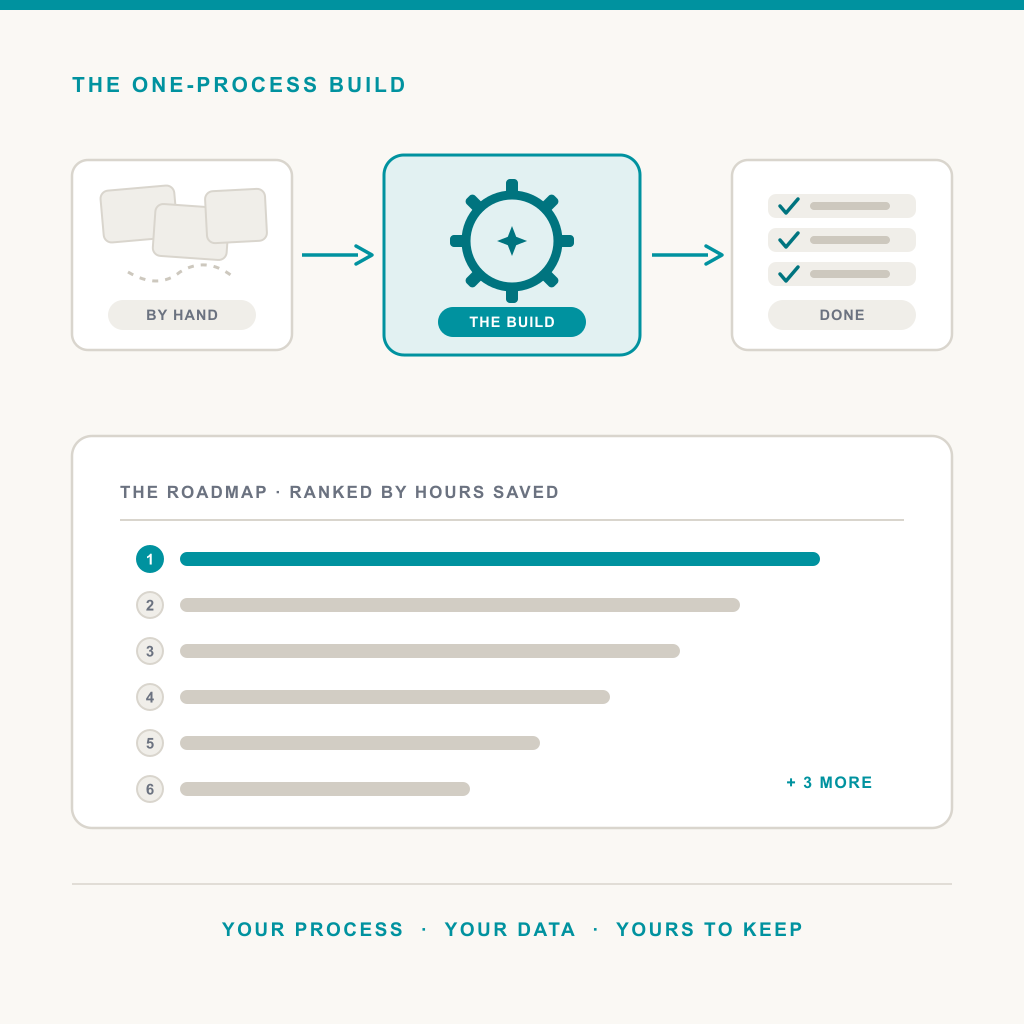
Nominate the manual process that eats the most hours in your week. We build a working automation for it inside your own Microsoft 365, demo it live end to end, and hand you the build, a dollar savings estimate, and a ranked roadmap of the next nine processes worth automating. You keep all three.
- Built personally by a senior engineer, a handful each month
- Demoed live on your real data, not a canned example
- No charge for qualified businesses, and the build is yours to keep
Pick the process everyone complains about
Every business has one: the invoices coded by hand twice a day, the intake form that gets retyped into two other systems, the quote assembled by copy and paste from the last three quotes, the lead that dies somewhere between the inbox and the CRM, the onboarding checklist that lives in one person's head. It is rules-based, it is repetitive, and someone skilled is spending real hours on it every week.
That is the process to nominate. If your team bids for work instead, bring us one live RFP and three to five past winning proposals, and watch a structured first draft come back in under an hour.
What you get
- A working automation for the process you nominated, built with Power Automate and Copilot Studio inside your own Microsoft 365 tenant, on tools you already license.
- A live demo of it doing the real task end to end, on your real data, not a canned example.
- A one-page savings estimate in dollars per year, based on the hours the process actually eats.
- A one-page Automation Roadmap ranking the next nine processes in your business by hours saved.
All of it is yours to keep, whatever you decide afterward.
Built to prove the value, not to run unattended
Here is the honest part. The build runs on a manual trigger, has no error handling at volume, no monitoring, no security review, and is not integrated with the rest of your systems. That is what a demo is, and we would rather tell you than let you find out. Watching it work makes two things obvious at once: how much time the other nine processes are bleeding, and that an automation touching real business data needs someone watching it. Hardening this one for production, building the rest of the roadmap, and running the whole layer so it never becomes your problem at two in the morning is the work we quote plainly at the demo, if you want it.
And if the process you are thinking of lives outside Microsoft 365, in a browser portal or an on-premises system, that is our custom process automation practice. If what you really need is someone running the whole stack, that is managed IT.
How it works
1. The intake form
Name the process, the tools involved, and the hours it eats. The more specific the answers, the better the build.
2. A 30 minute scoping call
With whoever owns the decision. We agree on exactly what the automation will do, and what sample data we will build against.
3. The build
A few days on our side. We may ask for a short screen share to see the process run once the way a real person does it.
4. The live demo and roadmap
You watch the automation do the real task end to end, then we hand over the build, the savings math, and the ranked roadmap of the next nine.
Frequently asked questions
Do we really keep the automation?
Yes. It is built inside your own Microsoft 365 tenant with tools you already license, so it is yours the moment the demo ends. There is no trial timer and nothing for us to switch off.
What is the catch?
The build is deliberately not production-ready, and we say so upfront: manual trigger only, no error handling at volume, no monitoring, no security review, and it is not integrated with the rest of your systems. It exists to prove the value on your real work. Making it something you can trust unattended is the paid engagement.
What kinds of processes qualify?
Repetitive, rules-based work with a clear before and after: invoice coding, intake forms that get retyped, quotes assembled by copy and paste, leads that die between the inbox and the CRM, onboarding checklists, scheduling. If your team bids for work, bring us one live RFP and three to five past winning proposals instead, and we will point the build at that.
Why is it free?
Because watching your own process run itself is a better sales pitch than anything we could write, and we would rather earn the production work than charge for the proof. A senior engineer builds each one personally, start to finish, which is why only a handful get built each month.
Is our data safe?
The automation is built inside your own Microsoft 365 tenant, and any sample data you show us stays in your environment. We look at what we need to build against, and nothing more.
Which process would you hand over first?
The form takes about two minutes, and the specific answers make the build better. A senior engineer builds each one personally, so only a handful run each month.
Nominate my process