New Medical Practice IT Setup: What You Need and When
Published February 6, 2024, updated August 4, 2026
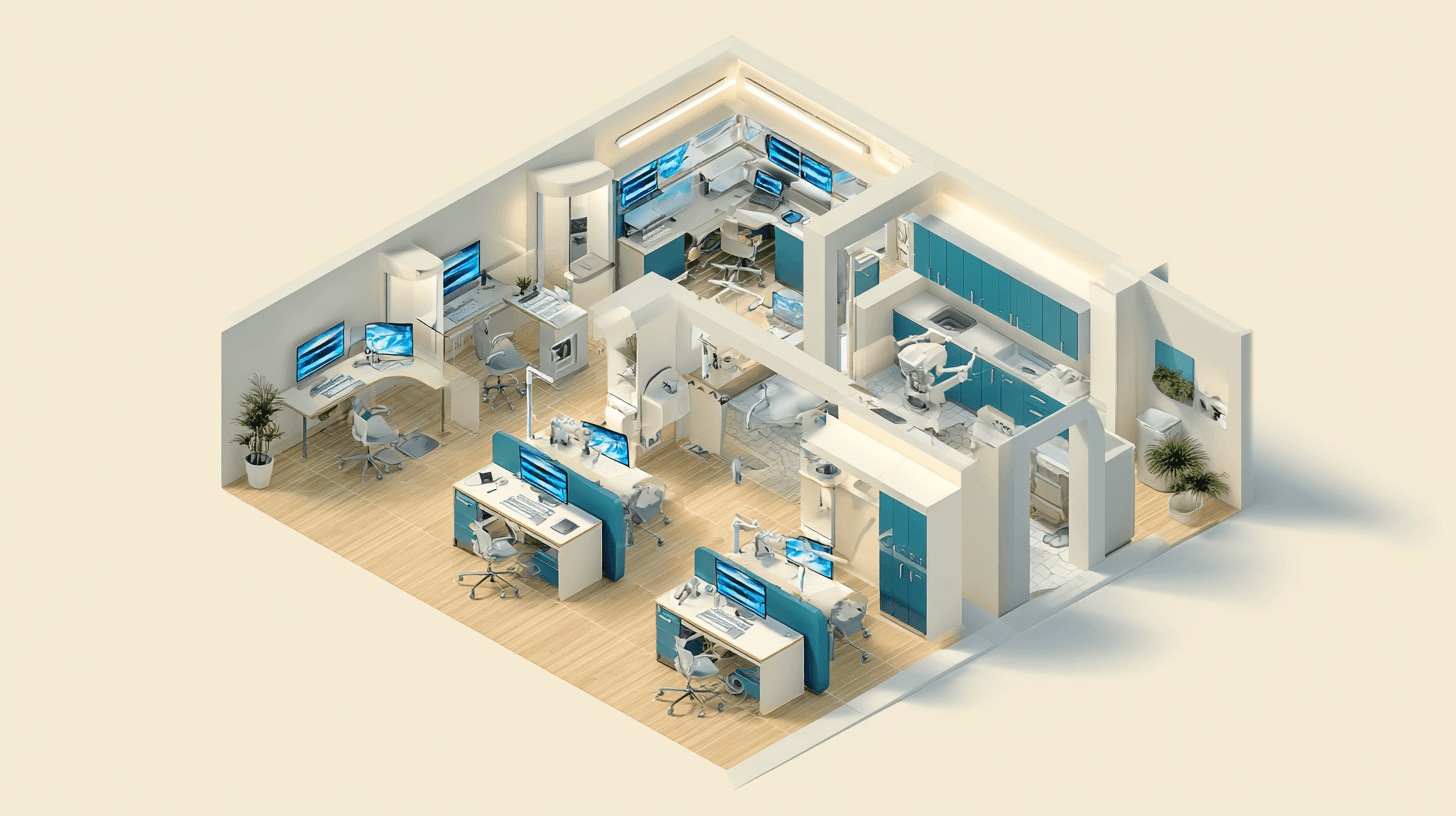
A new medical practice needs six IT pieces in place before opening day: an electronic health record (EHR) system, internet with a backup connection, phones and fax, a secured network, business email, and working backups, all resting on a documented HIPAA security risk analysis. None of it is exotic. What trips new practices up is order and timing, because the pieces depend on each other and a few have lead times measured in weeks.
Getting the sequence right matters because opening day arrives with patients in the lobby, staff on brand-new systems, and no revenue history to absorb a bad week. This post is for physicians and practice administrators planning a new practice or a new location, who want to know what to buy, in what order, and what HIPAA expects before the first appointment.
Start with the EHR, because everything else follows it
The EHR decision comes first, not because it is the biggest line item but because it determines most of the other choices. A cloud-hosted EHR means no server, lighter workstations, and heavy dependence on your internet connection; a server-based EHR means hardware, a place to put it, and a bigger backup job. Most new practices land on cloud-hosted, and that is usually the right call: predictable monthly pricing, no server closet, and the vendor carries the patching. The tradeoff is that your internet connection becomes clinical infrastructure, which is why the timeline below starts with the circuit order.
Two things belong in the selection conversation, not after it: confirm in writing that the vendor signs a Business Associate Agreement, and ask how you get your data out if you ever leave. The second answer tells you a lot about the first vendor relationship of your practice's life.
A 90-day timeline working back from opening day
Ninety days is a comfortable runway for the IT side of a launch. It can compress, but every week removed adds risk to a date you usually cannot move.
- Days 90 to 60. Choose the EHR. Order internet service for the new location, because circuit installs often take several weeks and the carrier controls that schedule. Decide cloud versus on-premises for everything else while the floor plan can still change, including where the network drops land.
- Days 60 to 30. Cabling and network build-out: firewall, switching, wireless, and a separate guest network. Order workstations configured, not stock. Stand up Microsoft 365, the domain, and staff email. Start the HIPAA risk analysis while the environment is still simple.
- Days 30 to 7. EHR configured and staff trained on the actual workstations they will use. Phones and e-fax live, with the main number ported. Security tooling installed and reporting. Backups running and test-restored at least once.
- The final week. A dress rehearsal: schedule a fake patient, check them in, document the visit, send a fax, and call the front desk from outside to hear the phone tree. Problems found this week cost nothing. The same problems found next week cost patients.
HIPAA starts before the first patient, not after
HIPAA has no grace period for new practices. The obligations attach as soon as you handle electronic protected health information (ePHI), which in practice means the day your EHR account exists, not the day the doors open.
The concrete requirement is the security risk analysis. The HIPAA Security Rule requires every covered entity to conduct and document one, and the HHS guidance on risk analysis treats it as the foundation for the rest of the rule's safeguards. For a brand-new practice it is not a big job, and HHS and ONC publish a free Security Risk Assessment tool written for small practices. Do it during setup, while there are five systems to describe instead of fifty.
The other day-one paperwork is the Business Associate Agreement, or BAA. Every vendor that creates, receives, maintains, or transmits PHI on your behalf needs one: the EHR vendor, the e-fax service, the billing clearinghouse, your IT company. HHS publishes sample BAA provisions, and a vendor that hesitates when you ask is telling you something useful.
None of this requires a compliance department, just an owner and about a day of focused work. Our compliance practice runs it alongside the technical build so the documentation matches what actually got installed.
The network a small practice needs
A small practice does not need enterprise networking, but it does need more than the router the internet carrier leaves behind. The short list:
- A business-grade firewall that someone actually manages and watches.
- Separated wireless. Clinical devices and staff on one network, patient Wi-Fi on another that cannot see the clinical side. Cheap during build-out, disruptive to retrofit.
- A backup internet path. With a cloud EHR, an internet outage means paper charts and rescheduled patients. A second circuit or cellular failover turns that into a non-event.
- Managed workstations. Disk encryption on, screens that lock, endpoint protection that reports to somewhere a human reads. Exam-room machines get walked away from mid-chart all day, so the lock screen is doing real compliance work.
- Email that can handle PHI. A business Microsoft 365 tenant with message encryption available, never a free consumer account.
This layer is where day-to-day security lives, and it is the part most often skipped when a practice assembles its IT from consumer parts. Our security services page covers what watching it involves once you are open.
Phones, fax, and the front desk
Healthcare still runs on fax, so plan for it. The clean setup is a cloud phone system with electronic fax included: no fax line, no machine, plus call queues, voicemail-to-email, and an after-hours tree in one product. Port your main number early, because porting has its own lead time, and put the fax workflow into staff training, since referrals and records requests arrive the week you open. One free piece of hardware advice: the front desk workstation runs the EHR, the phones, the card reader, and the scanner at once, so do not make it the cheapest computer you buy.
Who supports it after opening day
Someone has to answer when the check-in workstation drops off the network at 7:55 on a Monday. New practices have three options: the office manager becomes the accidental IT person, which works until the first real problem; hiring in-house, which is hard to justify at the headcount most practices open with; or a managed IT firm that works with medical practices and signs a BAA. We compare those paths in in-house vs managed IT, and our medical IT page covers what ongoing support looks like for clinics, including practices we support across Mesa, Gilbert, and Phoenix. Whichever you choose, decide before opening day, not after the first outage.
Frequently asked questions
What IT does a new medical practice need before opening day?
Six things: an EHR system, internet with a backup connection, phones and fax, a secured network with a business-grade firewall, business email with encryption, and working backups. Behind all of it sits a HIPAA security risk analysis, which you are required to complete and document.
How far ahead should IT work start before a practice opens?
About 90 days is comfortable. Internet circuits carry the longest lead time and often take several weeks to install, and the EHR decision has to come early because it shapes the network, the hardware, and the phone setup. Compressing IT into the final two weeks before opening is where launch days go wrong.
Is a HIPAA risk analysis required before we see patients?
The HIPAA Security Rule requires every covered entity to conduct and document a security risk analysis, and the obligation applies as soon as you handle electronic protected health information. Doing it during setup is far easier than retrofitting one later, and HHS provides a free Security Risk Assessment tool to work through.
Do we need a Business Associate Agreement with our IT company?
Yes. Any vendor that creates, receives, maintains, or transmits protected health information on your behalf is a business associate under HIPAA, and that includes an IT company with access to your systems. HHS publishes sample agreement provisions, and a healthcare-focused IT firm should bring a BAA to the table unprompted.
Getting new medical practice IT setup right
New medical practice IT setup is a sequencing problem more than a shopping problem: EHR first, internet ordered early, a network built once with separation and failover in it, the risk analysis done while the environment is small, and a rehearsal before real patients depend on any of it. Every step is easier during the build than after the doors open.
If you are planning a launch and would like a second set of eyes on the plan, Desert Lakes Solutions offers a no-pressure discovery call to walk through your timeline, what you already have covered, and where the gaps are. Book a discovery call.