Effective Corrective Measures for a Malware Incident
Published June 22, 2024
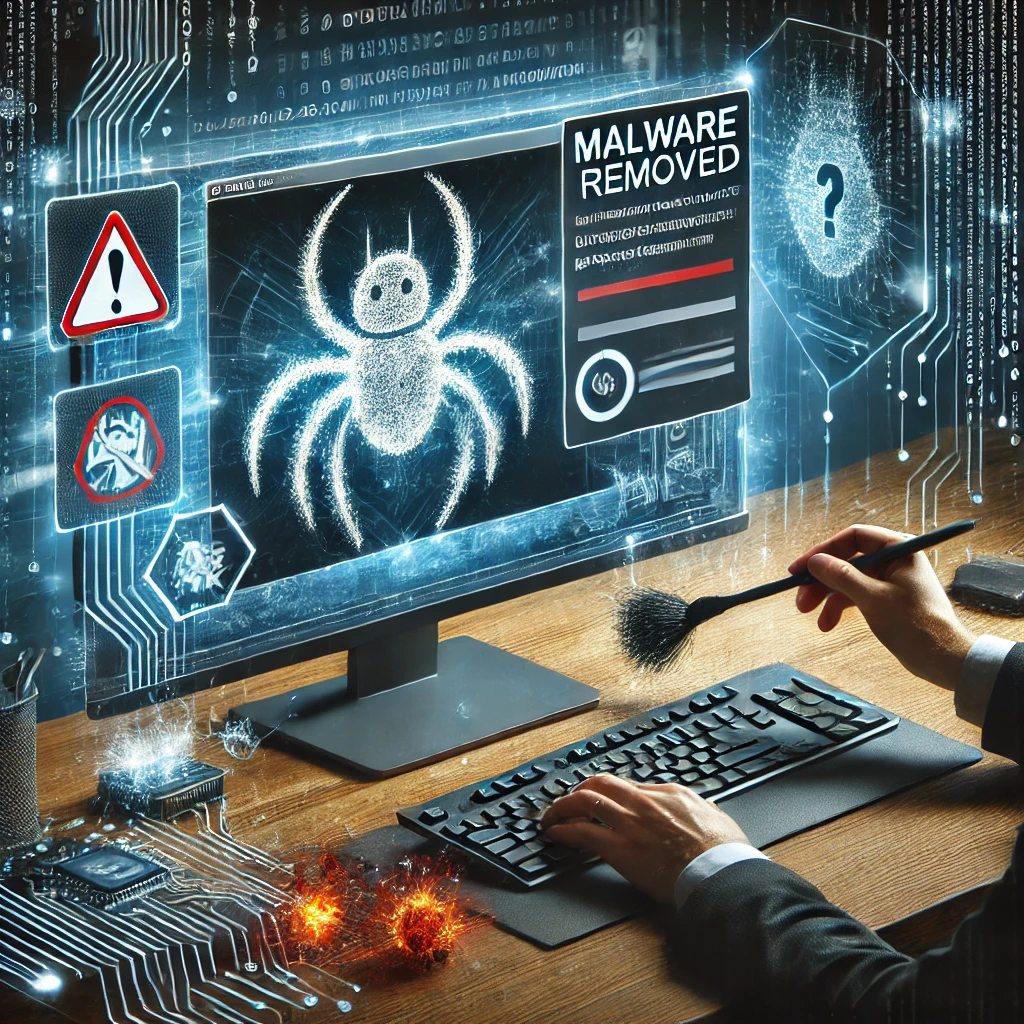
The most effective corrective measures for a malware incident are to identify the malware, contain it by isolating infected systems, eradicate it with deep scans and clean reinstalls, recover from clean backups, and then strengthen your security posture so it does not happen again. Malware incidents pose significant threats to organizations, leading to data breaches, financial losses, and operational disruptions. Addressing these threats promptly and effectively is crucial to minimize damage and restore normalcy. This article outlines those essential corrective measures to manage and mitigate malware incidents.
Identifying the Malware
Recognizing Symptoms
Malware can manifest in various ways, such as slow system performance, unexpected pop-ups, unauthorized access, and unusual network activity. Recognizing these symptoms early is vital for swift intervention.
Using Detection Tools
Deploy antivirus and antimalware tools to scan your systems. These tools can identify the type of malware and provide initial steps for containment.
Containing the Malware
Isolating Infected Systems
Disconnect affected systems from the network immediately. This prevents the malware from spreading to other devices and systems.
Blocking Malicious Sources
Update firewalls and network security settings to block known malicious IP addresses and domains. This step helps to cut off communication between the malware and its control servers.
Eradicating the Malware
Deep Scans and Cleanups
Conduct comprehensive scans using advanced security tools. Remove all detected malware and any associated files.
Reinstalling Compromised Software
If certain software applications are compromised, reinstall them from trusted sources. Ensure that all patches and updates are applied to prevent reinfection.
Recovery and Restoration
Restoring from Clean Backups
Use clean, recent backups to restore affected systems. Verify the integrity of backups before restoration to ensure they are free from malware.
Monitoring for Residual Threats
Implement continuous monitoring using security information and event management (SIEM) tools to detect any residual malware or new threats.
Strengthening Security Posture
Conducting a Post-Incident Review
Analyze the incident to identify how the malware infiltrated your systems. Use this information to strengthen your security measures.
Employee Training and Awareness
Educate employees about the latest cybersecurity threats and best practices. Regular training can help prevent future incidents by fostering a security-conscious culture.
Updating Security Policies
Review and update your security policies to address gaps revealed by the incident. Ensure policies are comprehensive and enforceable.
FAQs
What should be the first step after detecting malware? Isolate the infected systems from the network to prevent the spread of malware.
How can we prevent future malware incidents? Regularly update software, conduct employee training, and implement advanced security measures.
Is it necessary to report a malware incident? Yes, reporting is often required by regulatory bodies and helps in tracking and mitigating broader cybersecurity threats.
What tools are effective for malware detection and removal? Advanced antivirus, antimalware tools, and SIEM solutions are effective for detecting and removing malware.
How can we ensure our backups are safe from malware? Regularly scan backups for malware and store them in secure, isolated environments.
What role do employees play in preventing malware incidents? Employees are crucial in recognizing and avoiding phishing attempts and other common malware vectors.
Conclusion
Handling a malware incident requires a structured approach to identify, contain, eradicate, and recover from the threat. By implementing the corrective measures outlined in this article, organizations can effectively manage malware incidents and enhance their cybersecurity posture. Continuous improvement, employee training, and updated security policies are essential for preventing future incidents and protecting critical data.