A Beginner’s Guide to Multi-Factor Authentication: Enhancing Your Cyber Security
Published March 12, 2024
Introduction
Multi-factor authentication (MFA) is a security measure that asks you to prove your identity in two or more ways before you can sign in, so a stolen password alone is not enough to get into your account. Protecting your online accounts is more crucial than ever, and as cyber threats evolve, so too must our defenses. This beginner’s guide will explain what MFA is, outline its importance, and provide step-by-step instructions on implementing it across different platforms and accounts.
Understanding Multi-Factor Authentication
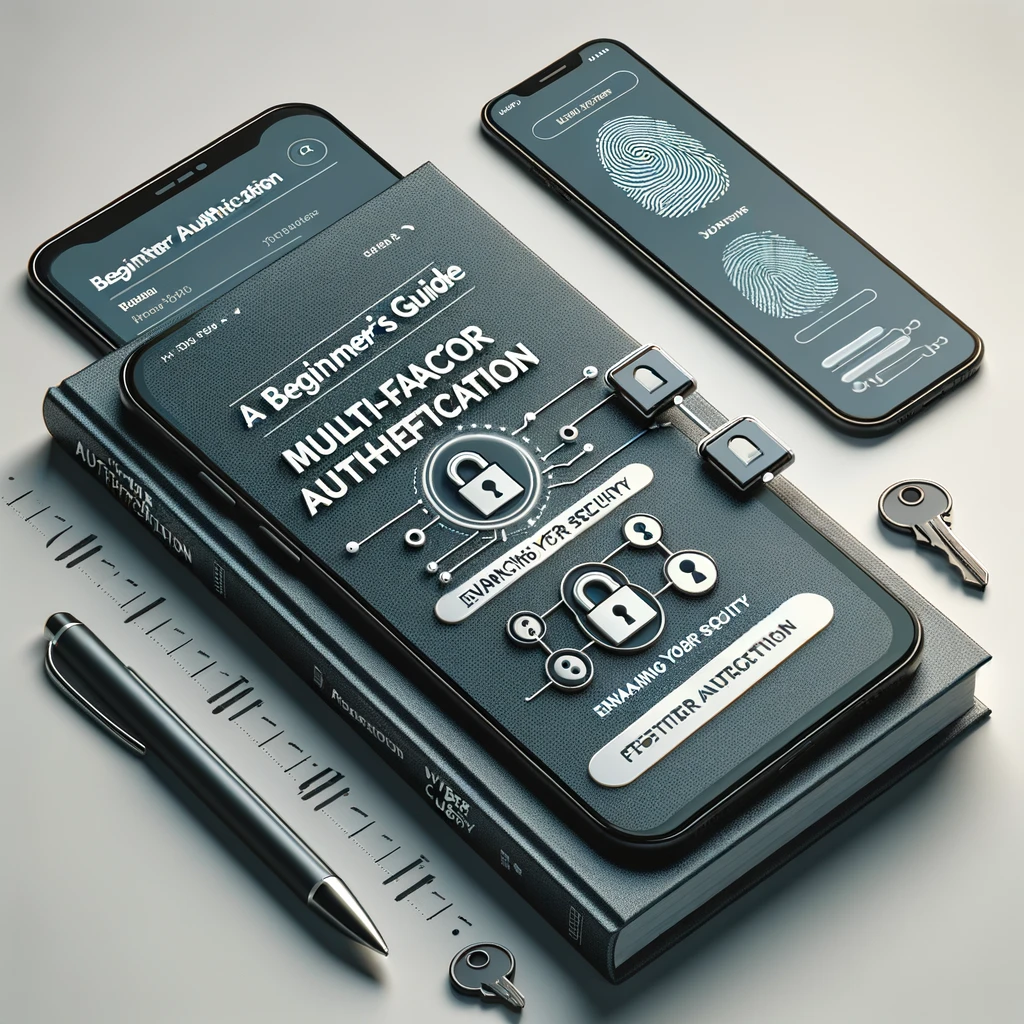
At its core, multi-factor authentication involves verifying your identity using two or more pieces of evidence (factors) before granting access to an online account. These factors typically fall into three categories:
- Something You Know: This could be a password or a PIN.
- Something You Have: This might be a mobile device, a security token, or a smart card.
- Something You Are: This includes biometric verification such as fingerprints, facial recognition, or iris scans.
By combining elements from these categories, MFA creates a layered defense, making it more challenging for unauthorized users to access your personal information or online accounts.
The Importance of Multi-Factor Authentication
Enhancing Security Beyond Passwords
While passwords have traditionally been the primary method of securing accounts, they are increasingly vulnerable to being stolen or hacked. MFA adds additional security layers, significantly reducing the chances of unauthorized access, even if a password is compromised.
Meeting Compliance Requirements
In certain industries, using MFA is not just recommended; it’s required. Regulations in finance, healthcare, and other sectors necessitate enhanced security measures to protect sensitive information.
Building Consumer Trust
Implementing MFA demonstrates a commitment to security, which can enhance trust between businesses and their customers. In an era where data breaches are common, this can be a significant competitive advantage.
Implementing Multi-Factor Authentication
Implementing MFA might seem daunting, but it’s simpler than you might think. Here’s how to get started across different platforms and accounts:
Personal Devices and Email Accounts
- Check Account Settings: Look for a section labeled “Security,” “Login Security,” or something similar.
- Select Multi-Factor Authentication Options: Choose from options such as text message codes, authentication apps (like Google Authenticator or Microsoft Authenticator), or biometric scans.
- Follow Setup Instructions: These will vary depending on the service but typically involve verifying your identity and setting up your chosen authentication method.
Social Media and Online Shopping Accounts
- Access Security Settings: Find the security or privacy settings menu in your account.
- Enable MFA/2FA: Look for options labeled “Two-Factor Authentication,” “Multi-Factor Authentication,” or similar.
- Choose an Authentication Method: Decide whether you want to receive codes via SMS, use an authentication app, or another available method.
Workplace Systems and Networks
- Consult IT Department: If MFA is not already in place, discuss its implementation with your IT department or service provider.
- Select Appropriate Authentication Methods: Consider factors such as the sensitivity of the information and user convenience.
- Educate Employees: If you’re in a position to do so, ensure that all employees understand how to use MFA and why it’s important.
Best Practices for Multi-Factor Authentication
While setting up MFA is a great start, following these best practices can enhance its effectiveness:
- Keep Backup Codes Safe: If your MFA method generates backup codes, store them securely and accessibly in case your primary authentication method is unavailable.
- Regularly Update Security Information: Keep your recovery information, like phone numbers or email addresses, up to date.
- Be Wary of Phishing Attempts: Remember that legitimate services will not ask for your authentication codes or passwords via unsolicited emails or messages.
- Educate Yourself and Others: Stay informed about the latest security threats and educate those around you about the importance of MFA.
Conclusion
Multi-factor authentication is a powerful tool in the fight against cyber threats. By requiring multiple forms of verification, MFA significantly reduces the risk of unauthorized access to your accounts. While no security measure is infallible, implementing MFA across your online accounts is a critical step towards safeguarding your digital life. Take the time to set up MFA today. It’s a small effort for a significant boost in security.