Microsoft Purview Sensitivity Labels Explained
Published June 14, 2026
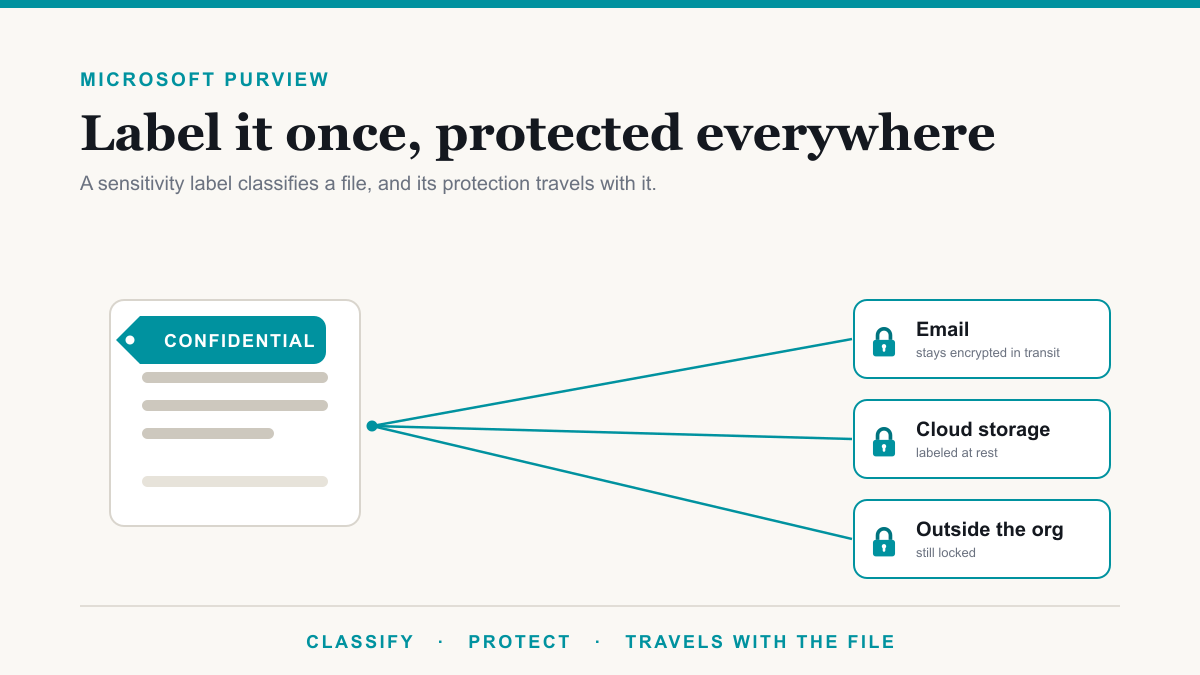
Microsoft Purview sensitivity labels are tags you apply to a document, email, or meeting invite that classify how sensitive the information is and then enforce protection on it automatically, such as encryption, access limits, or a visible marking, in a way that travels with the file wherever it goes. The business payoff is simple: the data your organization cannot afford to lose stays protected even after it is forwarded, copied to a USB stick, or shared outside the company. This guide is for owners, office managers, and IT or compliance leads who want to understand what sensitivity labels are, how they are used day to day, and why they are worth turning on.
Free Microsoft 365 tenant check. We will look at your Defender, Purview, and license state, tell you what is switched off or paid for and unused, and send it in writing. No charge and no sales call required to get the findings. Request the check.
What a sensitivity label actually is
A sensitivity label is two things rolled into one: a classification and a set of protections. The classification is just a plain name you choose, like Public, Internal, Confidential, or Patient Data, that tells everyone how careful to be with a file. The protection is what the label quietly does behind that name, from encrypting the file to limiting who can open it. Sensitivity labels are the foundational piece of Microsoft Purview Information Protection, the part of the broader toolset that discovers and protects sensitive data. If the wider suite is new to you, start with our guide to Microsoft Purview, then come back here for the labels.
What a sensitivity label can do
The reason a label is more than a sticker is that it can carry real protection, and that protection stays attached to the file. A single label can:
- Classify the information. It gives a file a clear, consistent name so people, and other tools, know how sensitive it is at a glance.
- Encrypt it and limit who can open it. A label can restrict a file so that only people inside your organization, or only a specific team, can open, edit, print, or forward it. Because the protection is built into the file, it holds even if the file is emailed outside the company, copied to a personal drive, or renamed.
- Add a visible marking. A label can stamp a watermark, header, or footer such as "Confidential" onto a document or email, so its sensitivity is obvious to anyone who sees it.
- Travel with the data. The label and its protection stay with the file at rest and in transit, inside or outside your network, which is what makes it different from a setting that only works while the file sits in one place.
Microsoft's documentation on restricting access with encryption lays out the full range of what a label can enforce if you want the specifics.
How sensitivity labels are used day to day
Labels get applied in three ways, and most organizations use a mix of them.
- By hand. A person picks the right label from a menu in Word, Excel, PowerPoint, or Outlook as they work. This is the simplest place to start, and it puts the judgment with the people who know the document.
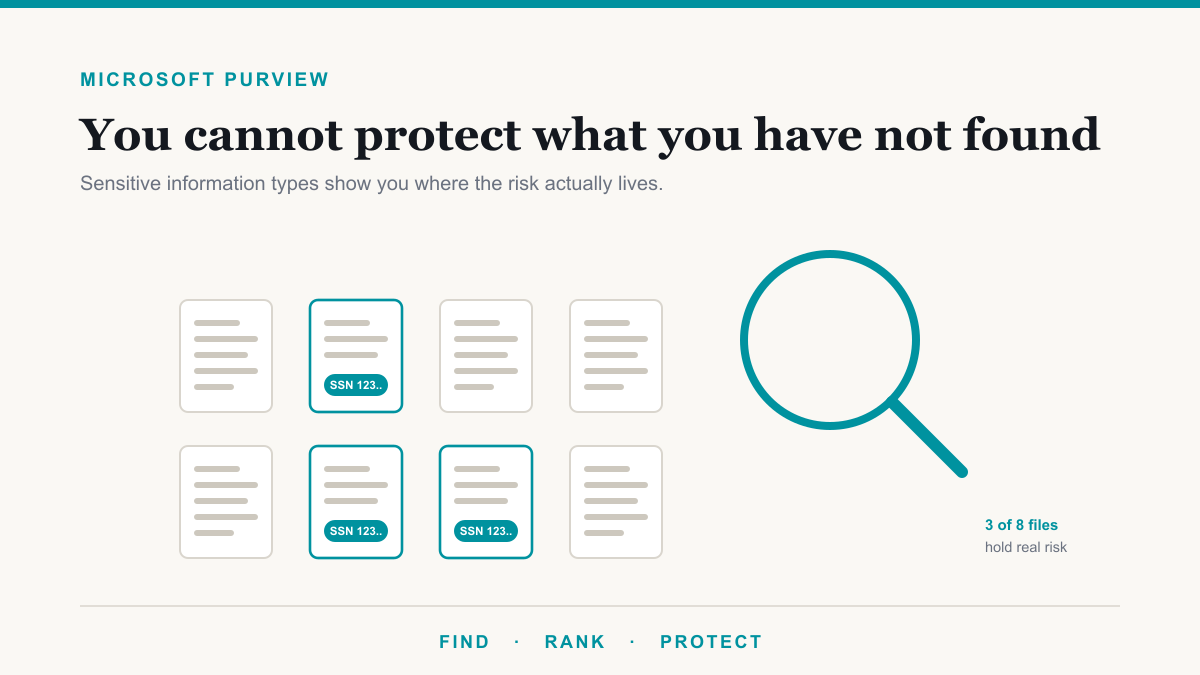
- Automatically. You can set rules so a label is applied for people, based on what a file contains. The triggers can be sensitive information types, like a Social Security or credit card number, specific keywords, or trainable classifiers that learn from examples. Automatic labeling runs both as someone edits in an Office app and across SharePoint, OneDrive, and Exchange behind the scenes.
- By recommendation. A gentle middle ground, where the system notices sensitive content and suggests a label, and the user accepts it or chooses another. Over time this quietly teaches the team what good handling looks like.
Once they are set up, labels show up in the everyday apps your team already uses, including Word, Excel, PowerPoint, Outlook, Teams, SharePoint, OneDrive, and even Power BI, so the experience is a label menu rather than a new tool to learn. Microsoft's overview of sensitivity labels covers the supported apps and scenarios in detail.
Why a business would use sensitivity labels
It is fair to ask whether this is worth the setup. For a regulated or mid-market organization, a few reasons stand out.
- Protect the data that actually gets you in trouble. Patient records, client financials, and contracts are the same files your staff email and share all day. A label keeps the protection attached to that data even when it leaves, which is exactly when a setting on a folder would stop helping.
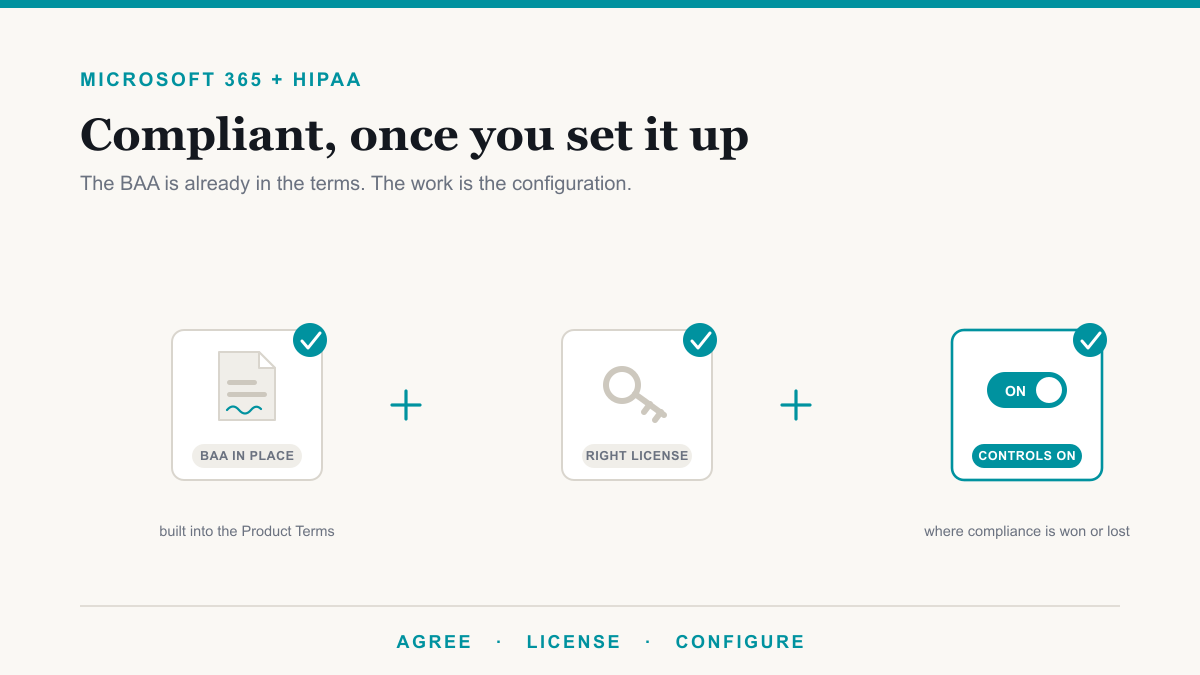
- Show concrete evidence for compliance and insurance. If you work under HIPAA, SOC 2, or CMMC, or your cyber insurer is asking how you protect sensitive data, a labeling scheme is a demonstrable control you can point to rather than a promise that everyone is careful. It ties directly into the framework work on our compliance page.
- Make the rest of Purview smarter. Labels name what matters, which gives data loss prevention an easy time recognizing and guarding that data on the way out. Labels and DLP are stronger together than either is alone.
- Keep AI tools in their lane. Microsoft 365 Copilot recognizes and honors sensitivity labels. If a label encrypts a file, Copilot checks whether the user is actually allowed to see it before using it in an answer, so labeling helps stop Copilot from surfacing sensitive content to someone who should not have it. If you are rolling out Copilot, labels are part of doing it safely.
Rolling out sensitivity labels without overwhelming your team
The common mistake is to publish a long, detailed list of labels on day one, watch people guess wrong or ignore them, and conclude the whole thing does not work. The better path is small and gradual. Start with a short set of labels your team will genuinely understand, often just three or four, and lean on recommendations and automatic labeling so the system does the heavy lifting instead of relying on everyone to remember. Watch how labels land for a few weeks, adjust the names and rules, and only make labeling mandatory once it is clearly helping. Done this way, sensitivity labels fade into the background of normal work and simply make sure the right files carry the right protection.
Frequently asked questions
What are Microsoft Purview sensitivity labels?
Microsoft Purview sensitivity labels are tags you apply to documents, emails, and meeting invites that classify how sensitive the information is and apply protection automatically, such as encryption, access limits, or a visible marking. The protection is built into the file, so it travels with the data wherever it goes.
How are sensitivity labels applied?
Three ways, usually in combination. A person can pick a label by hand in apps like Word, Excel, and Outlook, the system can apply one automatically based on what the file contains, or it can recommend a label and let the user accept or change it.
What is the difference between a sensitivity label and a DLP policy?
A sensitivity label classifies and protects the file itself, and that protection travels with it. Data loss prevention watches for sensitive information and steps in before it leaves through email, Teams, or cloud storage. They are complementary: labels name what matters, and DLP guards it on the way out.
Do sensitivity labels work outside my organization?
Yes. When a label applies encryption, the protection is built into the file and stays with it at rest and in transit, even if the file is forwarded outside your company, copied to a USB drive, or renamed. Only people the label authorizes can open it.
Do I need a special license for sensitivity labels?
Manual labeling is included in many common Microsoft 365 plans, including Business Premium, E3, and E5. Applying labels automatically at scale generally requires a higher tier such as E5 or an information protection add-on. It is worth confirming your plan before you build out automatic policies.
How many sensitivity labels should we start with?
A small handful is usually best, often three or four, such as Public, Internal, Confidential, and a label for your most regulated data. Labels only work when people understand them, so start with names your team will recognize and expand later as your needs grow.
Getting started with sensitivity labels
Sensitivity labels are one of the highest-value pieces of Microsoft Purview to turn on early, because they put durable protection on the exact data your business cannot afford to lose, without changing how your team works day to day. Set up at a sensible pace, a small set of well-chosen labels quietly does a lot of the heavy lifting for both security and compliance. If you would like help deciding which labels to start with and how to roll them out so they actually get used, Desert Lakes Solutions is happy to walk through it on a no-pressure discovery call. You can reach us here. And if you want to see the problem labels solve, in your own tenant, The Copilot Exposure List pulls the actual files in one sensitive category that everyone in your company can open today, at no charge for qualified businesses.