Data Loss Prevention (DLP) with Microsoft Purview
Published June 10, 2026
Microsoft Purview DLP, short for Data Loss Prevention, is the part of Microsoft 365 that watches for sensitive information leaving your organization and steps in before it walks out the door. Most business data does not leak because of a hacker. It leaks because a busy employee emails the wrong spreadsheet to the wrong person, or drops a folder of customer records into a personal cloud drive to finish at home, and DLP is built for exactly those moments. This guide is for business owners and office managers who want to understand what Microsoft Purview DLP protects, where it works, and how to turn it on without driving your team up the wall.
What data loss prevention actually means
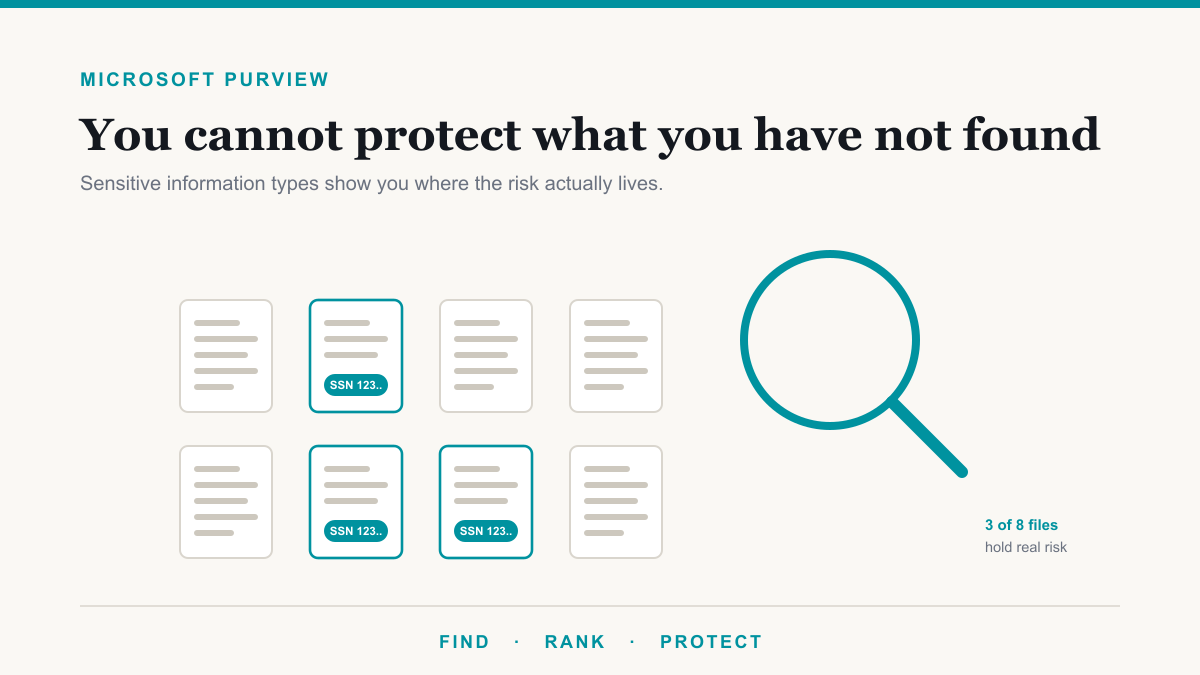
Data loss prevention is a simple idea wrapped in a technical name. You tell the system what counts as sensitive, things like credit card numbers, Social Security numbers, medical record numbers, or your own confidential document types, and you tell it what to do when someone tries to send or share that information. That is the whole concept: spot sensitive data in motion, then either warn the person, block the action, or quietly log it, depending on how strict you want to be. If you are new to the wider toolset, Purview DLP is one tool inside Microsoft Purview, Microsoft's broader data protection and compliance suite.
What Microsoft Purview DLP can protect, and where
The reason DLP is worth the effort is that it covers the everyday places data actually slips out, not just one of them. A single policy can watch across:
- Email. It can catch a message carrying sensitive data to an outside address and warn the sender, block it, or require a justification before it sends.
- Teams chats and channels. The same protection applies to messages and files shared in Microsoft Teams, where a lot of informal sharing happens.
- SharePoint and OneDrive. It can flag or restrict sensitive files stored or shared from your cloud document libraries, including links shared with people outside the company.
- Devices (endpoints). On managed computers, DLP can stop someone from copying sensitive files to a USB stick, uploading them to a personal website, or pasting them into the wrong app.
Out of the box it already knows how to recognize common sensitive data types like card and account numbers across many countries, and you can add your own patterns for the data that is specific to your business. Microsoft's documentation on DLP lists the full set of locations and detections if you want the specifics.
How a DLP policy works
Under the hood, a policy is just a sentence: when this kind of data shows up in this place going to that kind of person, take this action. The actions run from gentle to firm. You can show the employee a quiet tip that they are about to share something sensitive, you can let them proceed but require a business reason, or you can block the action outright and notify them why. You decide how strict to be for each type of data, which means you can be firm about patient records and relaxed about something low-stakes.
The friendly part is that DLP usually educates as it enforces. When it stops or warns someone, it can explain why in plain language, which over time teaches the team what good handling looks like without a single training session.
Why it matters for compliance and cyber insurance
For a regulated business, DLP is often not optional in spirit even when no one names it directly. If you handle health information under HIPAA, card data under PCI, or client financial data, you are expected to take reasonable steps to keep that data from leaking, and "we trust everyone to be careful" is not a control an auditor or insurer will accept. A DLP policy is concrete, demonstrable evidence that you are actively preventing the most common kind of data exposure. It is one of the cleaner ways to turn a vague compliance expectation into something you can point at. Our compliance page covers how this fits the broader frameworks.
Rolling it out without disrupting work
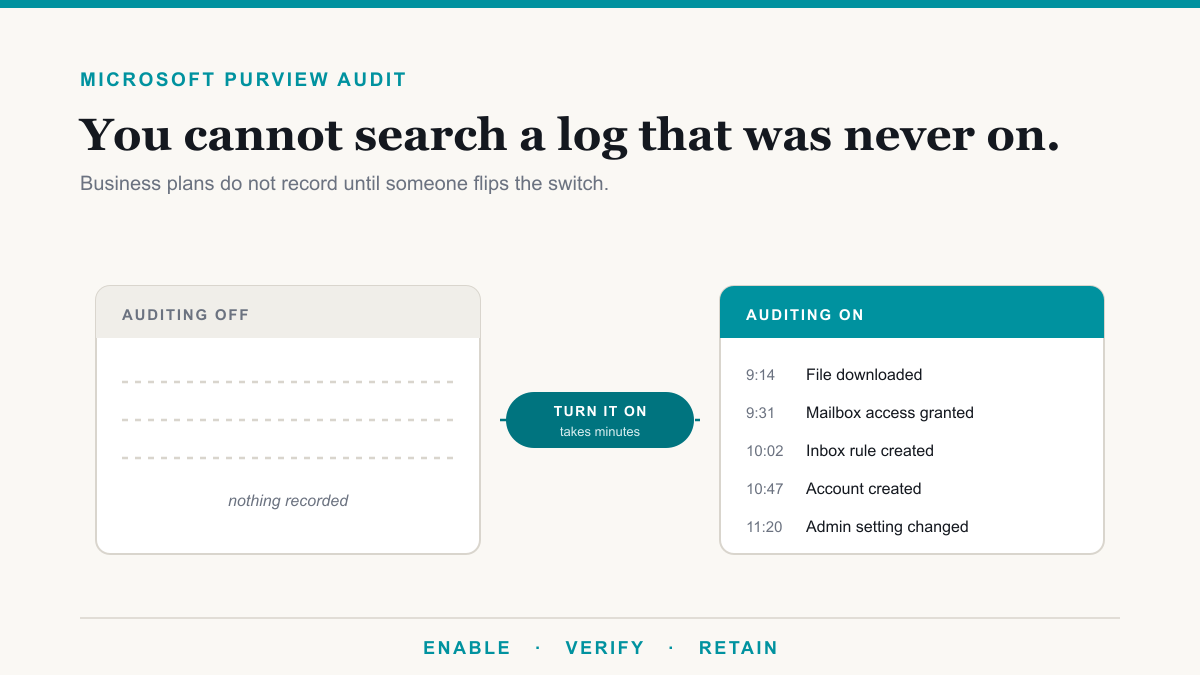
Here is where good intentions usually go wrong. A business flips on a dozen strict DLP rules over a weekend, and on Monday the team is buried in pop-ups blocking things they legitimately need to do, so the whole thing gets switched off in frustration. The better path is gradual. Start a new policy in a test or audit-only mode, where it watches and logs but does not block anything, and see what it would have caught. That shows you how people really work and where the false alarms are. Then tune the rules, turn on warnings, and only move to hard blocks for your most sensitive data once you trust the policy. Done this way, DLP fades into the background and your team barely notices it until the day it saves someone from a costly mistake.
Where Microsoft Purview DLP fits in the bigger picture
DLP is strongest when it is not working alone. It pairs naturally with sensitivity labels, which tag your important data so DLP has an easy time recognizing it, and both are part of the wider Microsoft Purview toolset. Think of labels as naming what matters, DLP as guarding it on the way out, and the rest of Purview as keeping the records and proof. You do not need all of it on day one, but DLP is one of the highest-value pieces to start with.
Frequently asked questions
What is Microsoft Purview DLP?
Microsoft Purview DLP, or Data Loss Prevention, is a Microsoft 365 feature that detects sensitive information and stops it from leaving your organization improperly. It watches email, Teams, cloud storage, and devices, then warns, blocks, or logs when sensitive data is about to be shared.
What can a DLP policy detect?
Out of the box it recognizes common sensitive data types like credit card numbers, Social Security numbers, bank account numbers, and health identifiers across many regions. You can also define custom patterns for data unique to your business, such as a client ID or account number format.
Does DLP work in email and Teams?
Yes. A single Microsoft Purview DLP policy can protect Exchange email, Microsoft Teams chats and channels, SharePoint and OneDrive files, and managed devices. That broad coverage is a big part of why it is effective, since data tends to leak through whichever channel is most convenient.
Will DLP block my employees from doing their jobs?
It does not have to. You control how strict each rule is, from a gentle on-screen tip, to requiring a business justification, to a hard block reserved for your most sensitive data. Starting in audit-only mode and tuning before you enforce keeps disruption low.
What licensing do I need for Microsoft Purview DLP?
Basic DLP for email and cloud files is included in several common Microsoft 365 plans, while endpoint DLP and the more advanced controls generally require a higher tier or add-on. The right answer depends on which locations you need to protect, which is worth confirming before you buy.
How do I start with DLP?
Pick your single most sensitive data type, create one policy for it in audit-only mode, and watch what it would catch for a couple of weeks. Tune out the false alarms, switch on warnings, then enforce. Expanding from one solid policy beats launching many at once.
Getting started with Microsoft Purview DLP
DLP is also the control that makes Microsoft 365 Copilot safe to switch on, since it stops the assistant from moving sensitive data somewhere it should not go. And when a penetration test tries to walk data out of the tenant, DLP is one of the layers being tested.
Data loss prevention is one of the few security controls that pays off quickly and quietly, because it targets the leaks that actually happen: ordinary people, ordinary mistakes, sensitive data. Set up at a sensible pace, Microsoft Purview DLP protects the information your business cannot afford to lose without getting in anyone's way. If you would like help deciding what to protect first and rolling out a policy that fits how your team really works, Desert Lakes Solutions is happy to talk it through on a no-pressure call. You can reach us here.