HIPAA Compliance for Dental Practices: What You Actually Need
Published June 9, 2026

HIPAA compliance for dental practices comes down to a short list of things you can actually point to: a written risk assessment, controls on who can see patient data, encryption on your computers and your email, backups you have tested, signed agreements with the vendors who touch your records, trained staff, an audit trail, and a plan for the day something goes wrong. HIPAA does not hand you a checklist with boxes to tick, which is why so many offices feel unsure about it. The law is clearer than it looks once you translate it into dental terms. This post does that translation for practice owners and office managers, and it marks what an IT partner handles versus what stays your responsibility.
Start with the risk assessment, because everything else hangs off it
The HIPAA Security Rule does not start by telling you which firewall to buy. It starts by requiring a risk analysis: an honest, written look at where patient health information lives in your practice and how it could be exposed. That means your practice management software, your imaging, your email, your cloud storage, the laptop at the front desk, the phones in the operatories, and any device that leaves the building. You write down what could go wrong, how likely it is, and what you are doing about it. You can read the plain requirements on the HHS HIPAA Security Rule page.
This is the single most common gap we see in small practices. The office has antivirus, a firewall, and a backup, but no document that ties it all together and shows a regulator you looked. If an auditor or an insurer asks for your risk analysis and you do not have one, the other controls matter less than you would hope. A good risk assessment is the foundation, and it needs to be refreshed, not framed once and forgotten.
Access controls: who can see what, and how you prove it
HIPAA expects you to give each person only the access they need to do their job. The front desk does not need the same reach as the doctor. In practice that means unique logins for every staff member, no shared passwords taped to a monitor, and multi-factor authentication on anything that touches patient data or email. When someone leaves the practice, their access gets turned off the same day, not next month.
For a dental office this is mostly about hygiene that is easy to skip when you are busy. Shared logins feel convenient until a record is changed and nobody can say who did it. Unique accounts plus strong access controls are what let you answer the question every breach investigation asks: who could have seen this, and who actually did.
Encryption, at rest and in transit
Encryption shows up in two places, and you need both. At rest means the data sitting on your computers and servers is scrambled, so a stolen laptop is a lost device rather than a reportable breach. On modern Windows machines this protection is built in, but it has to be switched on and confirmed, and often it is neither. In transit means data moving across the internet is protected, which matters most for email. If your office emails treatment plans, referrals, or insurance details in plain text, that is a real exposure. Encrypted email closes it, and it is one of the simpler wins available to a dental practice.
Backups you have actually tested
Backups are where confidence and reality often part ways. Plenty of offices have a backup running and assume it works. HIPAA wants you to be able to recover patient data after a failure, a theft, or ransomware, and the only way to know you can is to test a restore. A backup you have never restored from is a hope, not a safeguard. The standard worth holding yourself to is a copy that lives offsite, separate from your main systems, and a restore you have proven works. Ransomware is built to find and destroy the backups it can reach, so the offsite, separated copy is not a nice-to-have.
Business Associate Agreements with the vendors who touch your data
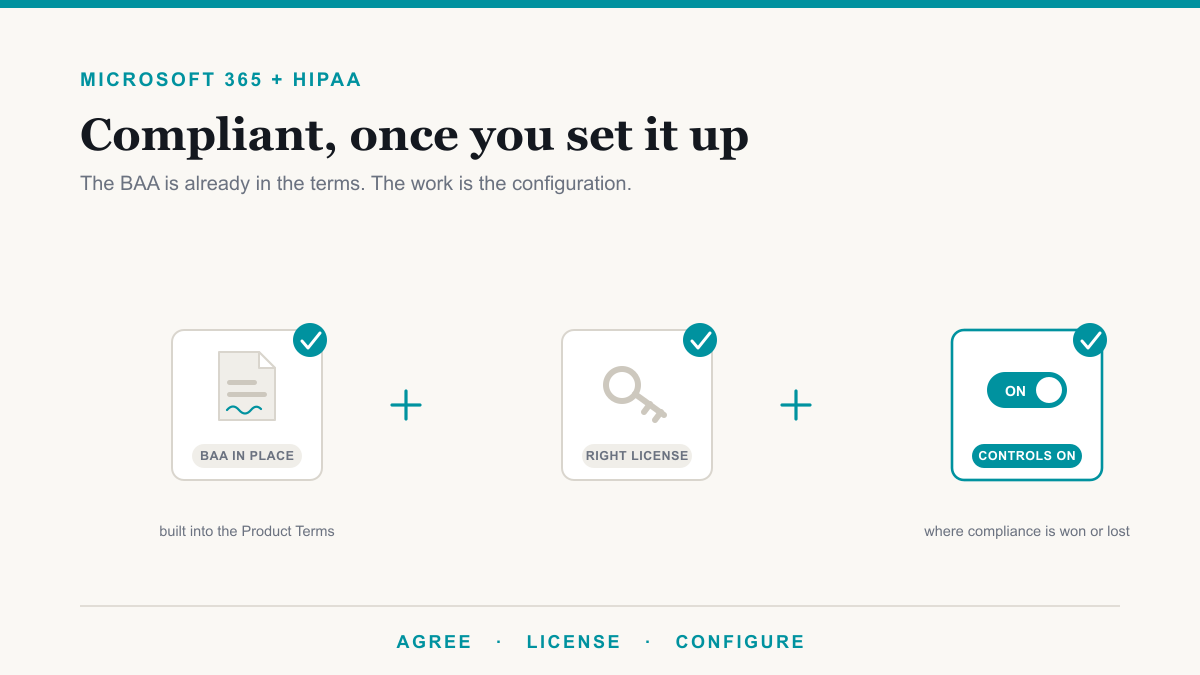
Any outside company that handles your patient health information needs a signed Business Associate Agreement, or BAA, with your practice. For a dental office that list is longer than people expect. Your practice management and imaging vendors, whether that is Dentrix, Eaglesoft, Open Dental, or a separate imaging system, all need one if they touch patient data. So does your cloud backup provider, your email and Microsoft 365 environment, and yes, your IT provider. If a vendor handles protected health information and will not sign a BAA, that is a serious flag.
The gap here is twofold. Some practices never collect the agreements, and others signed them years ago, switched vendors, and never updated the file. A clean folder of current BAAs is something an auditor will ask for directly, and it is entirely within your control to keep tidy.
Workforce training and audit logging
HIPAA requires that your team be trained on protecting patient information, and that the training is documented and repeated, not a one-time slide on day one. Most breaches in small offices start with a person: a phishing email someone clicked, a record discussed in earshot of the waiting room, a password reused from a shopping site. Short, regular training that fits a dental schedule does more for your real risk than most expensive tools.
Audit logging is the quieter requirement. Your systems should record who accessed which records and when, and those logs should be kept and reviewable. If a patient ever alleges their record was snooped, the log is your answer. Most practice management software can do this, but the feature is often left off or never checked. Turning it on and confirming it captures what you need is a small task with a large payoff.
Breach response: knowing the steps before you need them
The last piece is having a plan for the bad day. If patient data is exposed, HIPAA sets out what you must do, including notifying affected patients and, depending on the size, the Department of Health and Human Services. You do not want to be reading the rules for the first time while the clock is running. A simple written response plan that names who to call, how to contain it, and what to document turns a chaotic event into a sequence of steps. Pair it with cyber insurance and you have both the plan and the backstop.
What your IT partner handles, and what stays yours
A capable IT partner owns the technical controls. That is the encryption setup and verification, the multi-factor authentication, the tested offsite backups, the audit logging configuration, the managed Fortinet firewall and endpoint protection, and the BAA with your practice for the IT services themselves. They should also help produce and maintain your risk assessment rather than leave you to guess at it.
What stays with the practice is the human and administrative side. You own the policies, you make sure staff complete their training, you collect and keep BAAs from your clinical vendors, you offboard departing employees promptly, and you decide who gets access to what. HIPAA compliance for dental practices is a partnership, and the offices that do well are the ones where both sides know which job is theirs. You can see how that division of labor fits into broader dental managed IT services.
Frequently asked questions
Is HIPAA compliance for dental practices actually required for a small office?
Yes. HIPAA applies to dental practices that handle protected health information and bill electronically, regardless of size. A two-chair office has the same core obligations as a large group, including the risk assessment, safeguards, BAAs, and breach notification, even though the scale is smaller.
Does HIPAA require encryption?
HIPAA treats encryption as addressable. That means you either put it in place or you document why it is not reasonable for you and what you do instead. In practice, for a dental office, encrypting devices and email is the straightforward path, and skipping it is hard to justify if a breach ever happens.
Who needs a Business Associate Agreement with my practice?
Any vendor that creates, receives, stores, or transmits your patient data. For most dental offices that means your practice management and imaging vendors, your cloud backup, your email and Microsoft 365 environment, and your IT provider. If they touch the data, they sign.
Can my IT company make my practice HIPAA compliant on its own?
No, and be cautious of anyone who promises that. An IT partner handles the technical safeguards and helps with your risk assessment, but compliance also depends on your policies, training, vendor agreements, and day-to-day habits, which only the practice can own.
The bottom line
HIPAA compliance for dental practices is not a mystery and it is not a single product you buy. It is a small set of things done consistently: a written risk assessment kept current, tight access controls, encryption on devices and email, backups you have actually restored, current BAAs on file, trained staff, audit logs turned on, and a breach plan ready before you need it. Most of the gaps we find are not exotic. They are the basics that slipped while the practice was busy treating patients.
If you want a clear read on where your practice stands, Desert Lakes Solutions works with dental offices across Phoenix and the surrounding Valley and offers a no-pressure discovery call to walk through your setup. Book a discovery call and we will help you turn HIPAA from a worry into a short list of handled items. A concrete place to start: The Copilot Exposure List shows you the actual patient-record files anyone in the practice can open right now, which is exactly the kind of access-control gap a HIPAA risk assessment is supposed to catch. No charge for qualified practices.