RMM Security Features: What Actually Protects Your Business
Published May 23, 2024, updated August 4, 2026

The RMM security features that matter most are automated patch management, real-time monitoring with alerting, multi-factor authentication on the management console, role-based access control, encrypted remote sessions, and an audit log of every action taken on your machines. RMM stands for remote monitoring and management: it is the software an IT company installs on each computer it looks after so it can watch device health, apply updates, and fix problems without a site visit. If someone manages your business's computers, an RMM agent is almost certainly on every one of them right now, and this post is for the owner or office administrator who wants to know what it should be doing and how it is protected itself.
Why the tool that protects you needs protecting
An RMM platform holds standing remote access to every machine it manages. That is the point of it, and it is why the security conversation has two halves: what the tool does to keep your computers patched and watched, and how the tool itself is locked down, because anyone who gets into the console gets everything the console can reach.
This is not a theoretical concern. CISA, the federal cybersecurity agency, has published a joint advisory on malicious use of RMM software, noting that attackers favor these tools precisely because they are legitimate: remote access through an RMM blends in with normal management traffic. And in 2021, attackers compromised a widely used RMM platform and used it to push ransomware to the customers of dozens of IT companies at once.
The features that protect your computers
Automated patch management
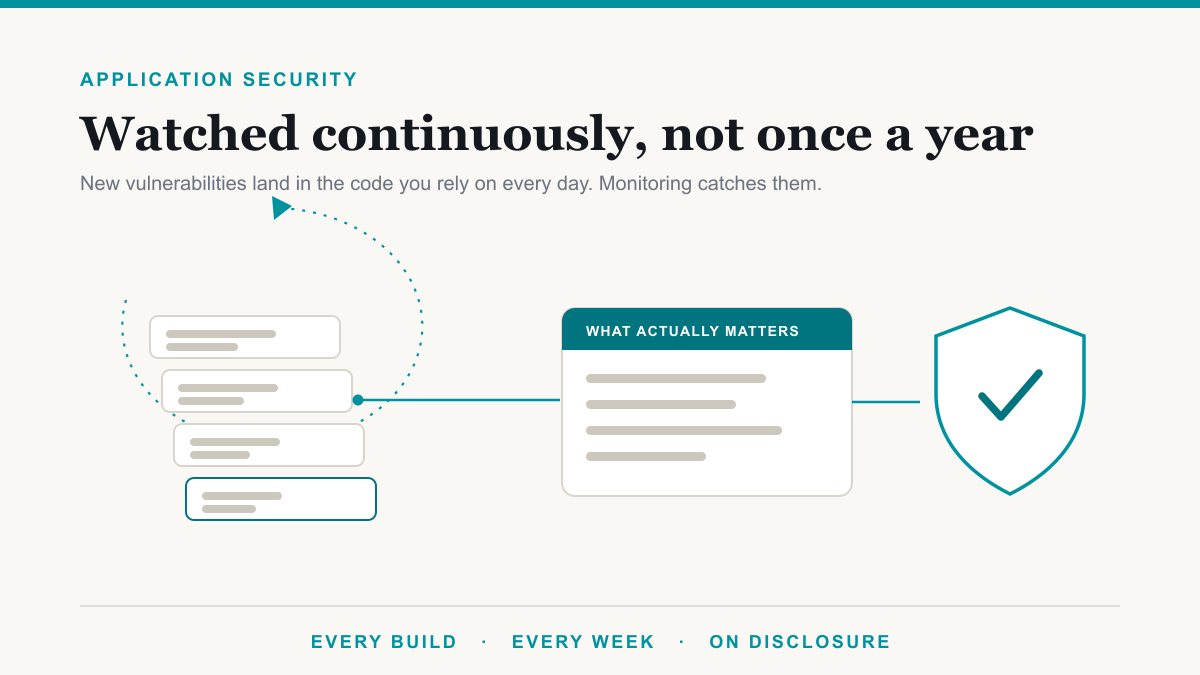
Attackers routinely get in through vulnerabilities that already had a fix available, which is why the single most valuable thing an RMM does is apply operating system and application updates on a schedule instead of waiting for someone to get around to it. The underrated half of this feature is failure reporting. Patches fail quietly on individual machines all the time, and a laptop that has silently missed six months of updates is exactly what an attacker hopes to find. A well-run RMM does not just push patches, it tells a human which machines did not take them.
Real-time monitoring and alerting
The monitoring side watches for early signs of trouble: a machine that stops checking in, a disk filling up, a service that should be running and is not, software appearing that nobody installed. What separates a good setup from a bad one is what happens next: whether alerts route to a person who acts on them, or pile up in a dashboard nobody opens. When you ask about monitoring, ask about response, not detection.
Antivirus and EDR management
An RMM is not itself an antivirus, and this distinction trips people up. RMM manages; it does not hunt malware. What it does well is deploy security software to every machine, keep it updated, and raise a flag when protection is missing or switched off on any device. In a modern setup that security software is usually EDR, short for endpoint detection and response, which watches program behavior rather than just matching known virus signatures. The detection and response layer is its own subject, and it is the core of our security services, but the RMM is how you know it is actually present and current on every machine rather than most of them.
The features that protect the RMM itself
Multi-factor authentication on the console
Every account that can sign in to the RMM console should require multi-factor authentication, meaning a second proof of identity beyond the password, with no exceptions for senior technicians or service accounts. A stolen password to an RMM console is a master key to every managed machine, and MFA is the control that keeps a stolen password from being enough.
Role-based access control
Role-based access control means each technician account can only do what that person's job requires. The junior tech who resets printers does not need the ability to run scripts across every client's machines. Just as important is offboarding: when a technician leaves the IT company, their access should end the same day. A well-run managed services operation will have a specific answer for this rather than a shrug.
Encrypted remote sessions
Everything that moves between the console and the agents on your machines, including remote control sessions, file transfers, and script output, should be encrypted in transit. Every serious RMM vendor does this by default now, so it is less a feature to shop for than a claim to verify in the vendor's security documentation.
Audit logging
The audit log records who connected to which machine, when, what they ran, and what changed. That matters for two reasons. If something ever goes wrong, the log is how you reconstruct what happened. And if your business answers to HIPAA, PCI, or a cyber insurance questionnaire, patch reports and access logs from the RMM are exactly the evidence an auditor asks to see. The tool does not make you compliant on its own, but it makes proving your controls much easier, which is a recurring theme in our compliance work.
Six questions worth asking
You do not need to evaluate RMM platforms yourself. You need whoever runs yours to answer a short list of plain questions.
- Is multi-factor authentication enforced on every account that can reach the console, with zero exceptions?
- What happens to a technician's access on the day they leave?
- Who can run scripts on our machines, and is every script run logged?
- How are failed patches caught, and how long does a machine stay unpatched before someone notices?
- Is console access restricted by location or device, or can it be reached from anywhere with a password and a code?
- How quickly do you apply the RMM vendor's own security updates?
Clear, specific answers are a good sign. Vague ones are worth following up on, because remote access tooling is among the first things probed in security testing engagements.
Frequently asked questions
What is RMM software?
RMM stands for remote monitoring and management. It is software an IT company installs on each computer it manages so it can watch device health, apply updates, run maintenance, and provide remote support from a central console. Most managed IT agreements include an RMM agent on every covered machine.
What security features should RMM software have?
On the endpoint side, automated patch management with failure reporting, real-time monitoring with alerting, and management of antivirus or EDR tools. On the console side, enforced multi-factor authentication, role-based access control, encrypted remote sessions, and a full audit log of every action a technician takes on your machines.
Is RMM software a security risk?
It can be, because it is legitimate remote access to every machine it manages, which makes it a high-value target. CISA has warned about malicious use of RMM tools, and attackers have compromised RMM platforms to push ransomware. The risk is managed with MFA, access controls, and audit logging, not by avoiding the tool.
Is RMM the same as antivirus or EDR?
No. RMM is a management tool: it monitors, patches, and provides remote access. Antivirus and EDR, which stands for endpoint detection and response, are security tools that detect and stop malicious activity. A well-run setup uses RMM to deploy and watch the security tools, so the two work together rather than substituting for each other.
What should I ask my IT company about RMM security?
Ask whether multi-factor authentication is enforced on every technician account, how access is removed when a technician leaves, who can run scripts on your machines, how patch failures are caught, and whether every remote session is logged. Clear, specific answers are a good sign. Vague ones are worth following up on.
Getting RMM security features right
RMM security features come down to two lists: the ones that protect your computers, meaning patching, monitoring, and managed endpoint protection, and the ones that protect the tool itself, meaning MFA, access control, and audit logs. The first list is why the tool exists. The second is what keeps it from becoming the way in.
If you would like to know how your current setup answers the six questions above, Desert Lakes Solutions offers a no-pressure discovery call to walk through what is running on your machines today and where the gaps are. Book a discovery call.