Copilot Readiness Assessment: Score Your Tenant Before You Buy Seats
Published August 24, 2026
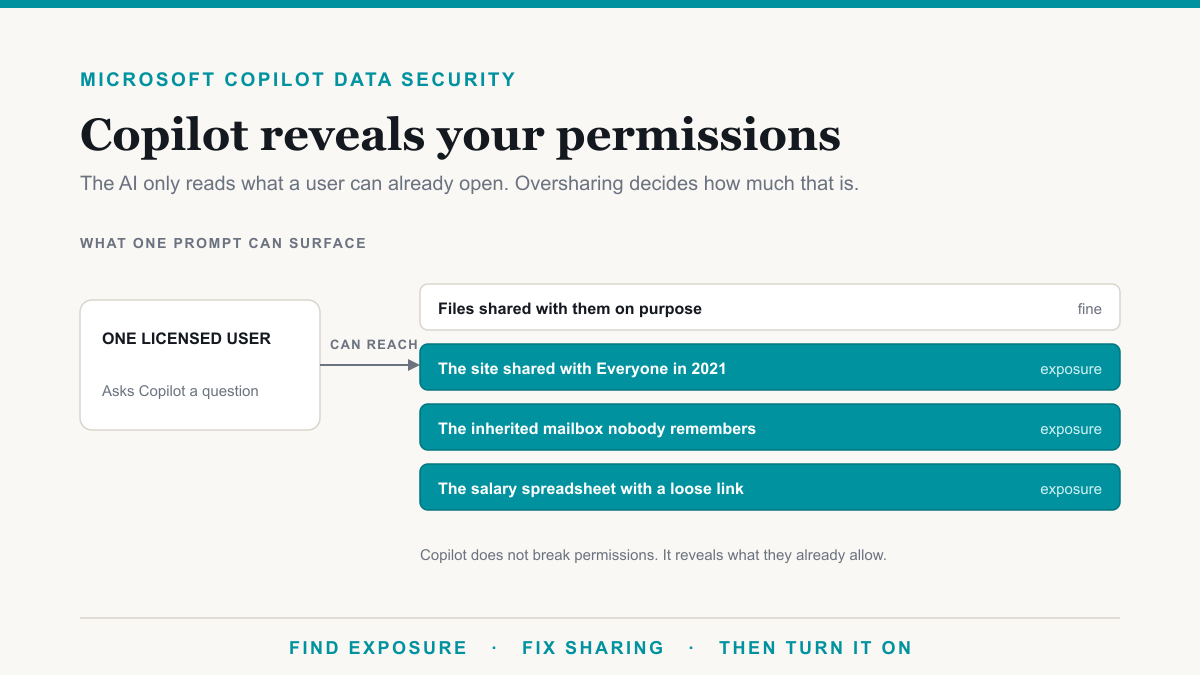
A Copilot readiness assessment is a scored look at your Microsoft 365 permissions, labels, licensing, and use cases before you pay for seats, because Copilot will surface anything a licensed user can already open. Most tenants fail on oversharing, not on budget. This checklist is for owners and administrators who are close to buying and want a pass, fix, or wait decision they can defend.
What a Copilot readiness assessment actually covers
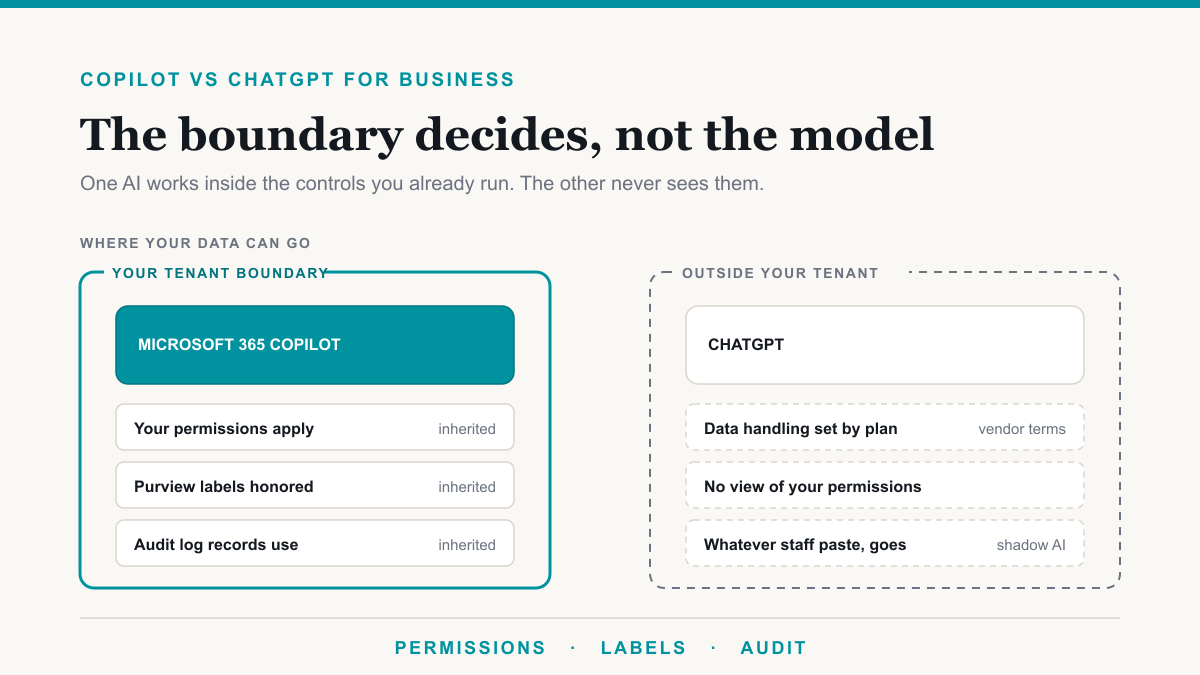
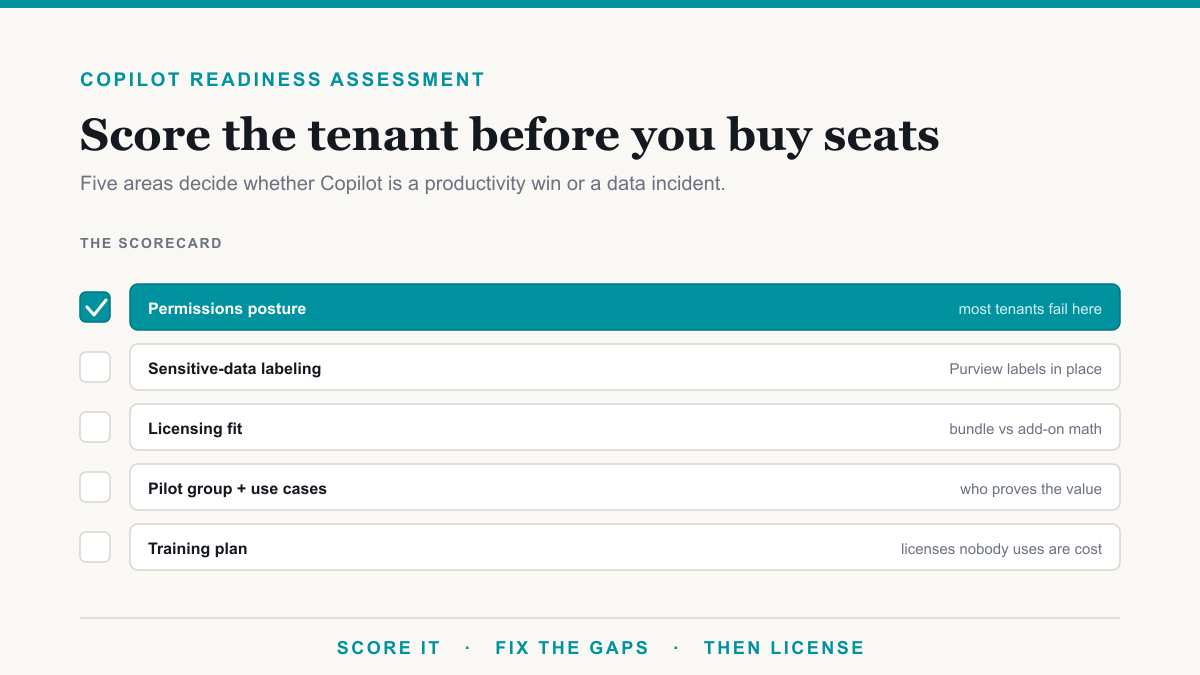
Readiness is not "do we have Microsoft 365." Microsoft documents that Copilot only uses content the signed-in person is already allowed to see. See the Copilot privacy documentation. That sounds reassuring until you remember how many people can already open the HR site. An assessment checks five areas: permissions posture, sensitive-data labeling, licensing fit, a real pilot and use cases, and a training plan so seats do not sit idle.
The Copilot deployment work we do follows the same order: tighten access, pick the SKU, pilot, then train. The scorecard below is the version you can run yourself.
The Copilot readiness scorecard
Score each check: 2 points if it is clearly true, 1 if it is partly true, 0 if you do not know or it is false. Total is 30.
| Area | Check | Points (0 to 2) |
|---|---|---|
| Permissions posture | You can name the sites that hold payroll, HR, legal, and client files, and you know who has access to each. | |
| "Everyone except external users" is not a member of those sensitive sites. | ||
| Organization-wide and Anyone sharing links are reviewed, not left as the default forever. | ||
| Sensitive data labeling | You have a short set of sensitivity labels people actually understand (for example Public, Internal, Confidential). | |
| The files that would hurt if they leaked are labeled, or you have a dated plan to label them before Copilot goes wide. | ||
| Encrypted / restricted labels are tested: a user who should not open the file also does not get it back from Copilot. | ||
| Licensing fit | You know whether you need Business Standard with Copilot ($23.50), Business Premium with Copilot ($32), the add-on, or the $30 enterprise add-on, and you are under the 300-seat Business cap if that is your path. | |
| You have a named list of who gets a seat in the first 90 days, not "everyone with a mailbox." | ||
| Pilot group and use cases | A pilot group of real jobs exists (for example office manager, biller, attorney) with two or three tasks Copilot should do in week one. | |
| Success is defined in business terms: hours back, fewer draft cycles, faster meeting follow-up, not "people clicked the icon." | ||
| Training plan | Someone owns a short, role-based intro, not a single all-hands demo. | |
| You have a written rule for what must never go into a personal ChatGPT account, and a sanctioned alternative. |
24 to 30: ready. Buy a pilot set of seats and keep cleaning as you go.
14 to 23: ready with fixes. Do not company-wide enable. Fix the failed permission and label checks, then pilot.
0 to 13: not ready. Copilot would mostly teach you how overshared you already are. Start with exposure, not licenses.
Use the licensing calculator for the licensing-fit row so the score is based on current SKUs, including the July 2026 bundles.
The check most companies fail
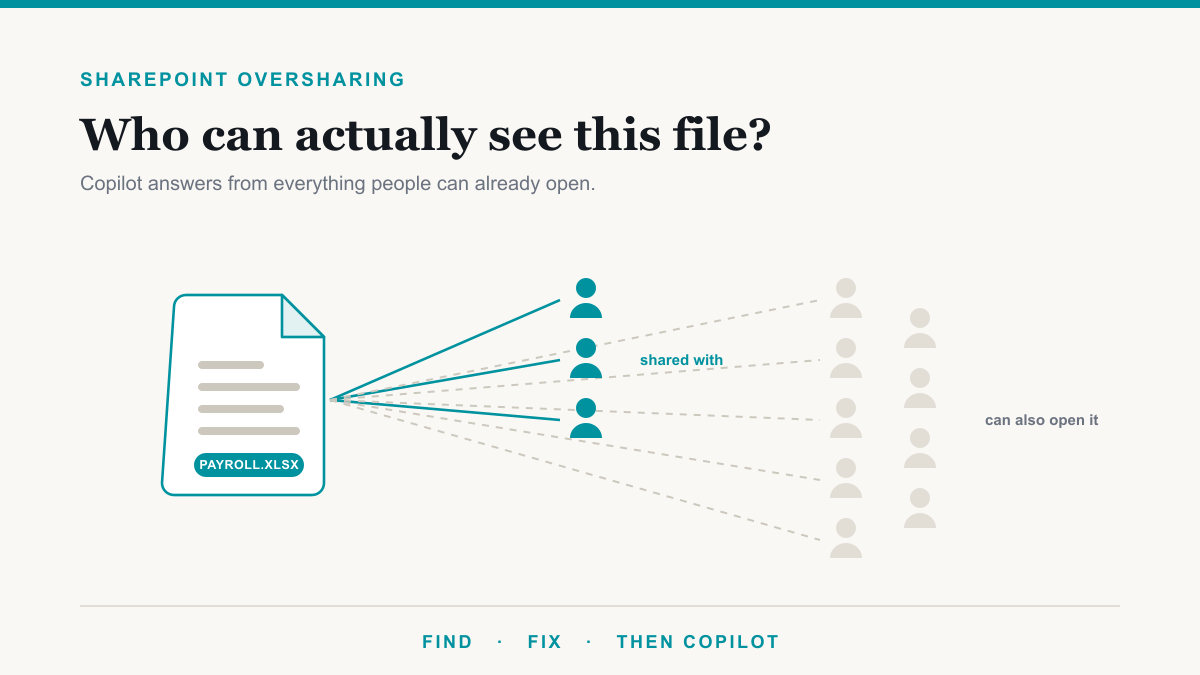
Oversharing. A Copilot license does not open new files. It makes existing access searchable in plain English. The salary spreadsheet that sat in a Teams file tab for three years, shared with "people in your organization," becomes an answer to "what does everyone in billing make." That is why the first failed checks on this card are almost always permissions, which we cover in detail in SharePoint oversharing.
If you only do one thing before buying seats, pull a list of files in one sensitive category that the whole company can already open. That is what The Copilot Exposure List is for: named files, not a vibe score, no charge for qualified businesses.
What to fix before buying seats
Map each failed check to a fix, in this order:
- Permissions 0s. Remove "Everyone except external users" from HR, finance, and legal sites. Change the default sharing link away from "anyone" or "people in the organization" where that is too broad. Review existing org-wide links on those sites first, not on the whole tenant at once.
- Labeling 0s. Publish three or four labels. Apply them by hand on the worst files, then add auto-labeling later if your plan includes it. Manual labels on Business Premium are enough to start.
- Licensing 0s. Pick a SKU. Do not mix "we will figure it out after we buy 50 seats." The bundle vs add-on math is usually a $10 increment vs a $21 add-on.
- Pilot 0s. Write five sentences: who, which three tasks, how you will know it worked, when you expand, who can turn it off if a bad answer shows up.
- Training 0s. A 30-minute session per role beats a recorded webinar nobody watches. Show one real file from their world, not a Microsoft demo tenant.
How we run Microsoft Copilot consulting
When someone asks us to run Microsoft Copilot consulting, the first deliverable is a Copilot readiness assessment: a permissions and labeling review plus a license recommendation, not a 40-page strategy deck. We look at the sensitive sites, sharing defaults, whether audit is even on (it often is not, on Business plans), and who should be in the first pilot. The free first step for qualified businesses is still the exposure list, because arguing about scores is less useful than looking at file names. The full Copilot rollout sequence follows that same order.
Frequently asked questions
How do I know if my company is ready for Copilot?
You are ready when permissions on sensitive sites are tight, you know which files are broadly shared, you have a pilot group and real use cases, and you have picked a Copilot SKU that matches your base plan. Licensing alone is not readiness. If Copilot would surface payroll or client files to the wrong people today, you are not ready yet.
What should be fixed before turning on Microsoft 365 Copilot?
Fix oversharing first: organization-wide sharing links, 'Everyone except external users' on sites that hold HR or finance data, and inherited access nobody remembers granting. Then apply sensitivity labels to the files that must stay protected, confirm DLP and audit are on, and only then assign Copilot licenses to a small pilot group.
How long does Copilot readiness work usually take?
A focused review of permissions, labels, licensing, and a pilot plan often takes days to a couple of weeks for a small Microsoft 365 tenant, longer if SharePoint has years of unchecked sharing. The cleanup on overshared sites is what stretches the timeline, not the license purchase. A pilot of 10 to 20 people can start once the sensitive sites are in good shape.
Do I need every user licensed to pilot Copilot?
No. Microsoft 365 Copilot is licensed per user. Start with a pilot group that has clear jobs for it, such as drafting in Word, summarizing mail, or catching up on Teams meetings. You do not need every mailbox licensed to learn whether it is worth expanding. Buy the rest after the pilot proves value and the permissions hold.
Run the Copilot readiness assessment, then decide on seats
A Copilot readiness assessment should leave you with a number, a short fix list, and a pilot roster, not a vague "we should get our data in order." Score the card, pull the exposure list for one category, and only then open the quote. If you want a second set of eyes on the score, Desert Lakes Solutions will walk through it on a no-pressure discovery call. Book a discovery call, or start with The Copilot Exposure List.