Microsoft Purview for Copilot: Set Up the Guardrails First
Published August 28, 2026
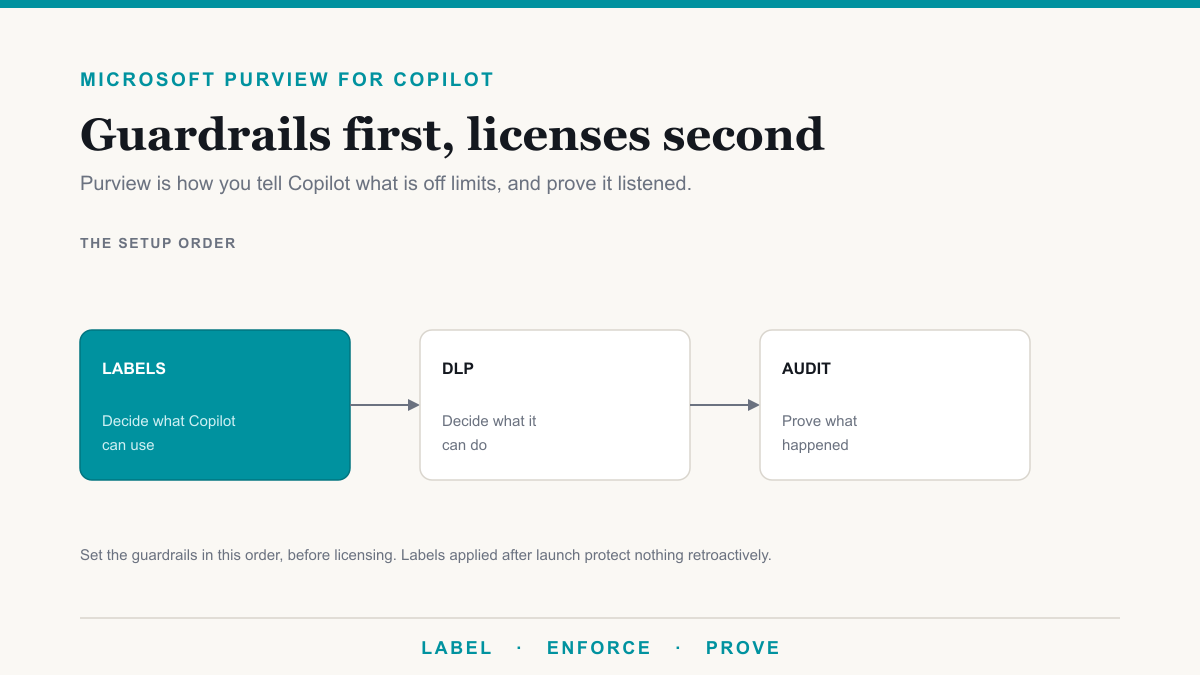
Microsoft Purview for Copilot is how you tell Microsoft 365 Copilot what is off limits: sensitivity labels decide what it can use, DLP decides what it can do with a prompt or a file, and audit proves what happened. Set those three in that order, before you assign Copilot licenses, not after the first bad answer. This setup guide is for admins and compliance owners who already decided on Copilot and need the guardrails in plain language, with Microsoft Learn as the source for each behavior.
What Purview controls about Copilot
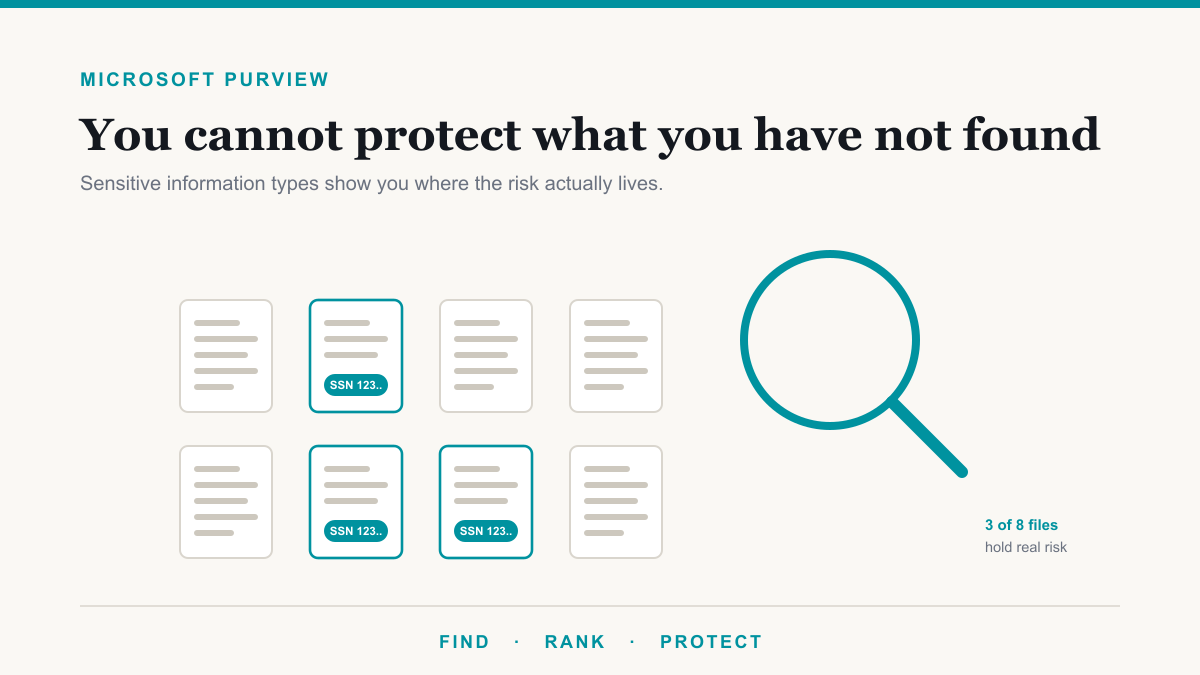
Microsoft documents Copilot and Purview together in Purview protections for generative AI apps and in the Copilot privacy documentation. Three levers do most of the work.
Labels. A sensitivity label classifies a file and can encrypt it. Copilot honors the usage rights on encrypted files. If the user cannot open the document, Copilot does not ground an answer on it. Labels without encryption still mark the file; they do not by themselves create a hard stop.
DLP. Data loss prevention can include a location named Microsoft 365 Copilot and Copilot Chat. Microsoft's DLP for Copilot documentation describes blocking Copilot from processing matching content, and blocking external web search when a prompt contains configured sensitive information types. That location lives in the custom policy template and is separate from your Exchange DLP policy.
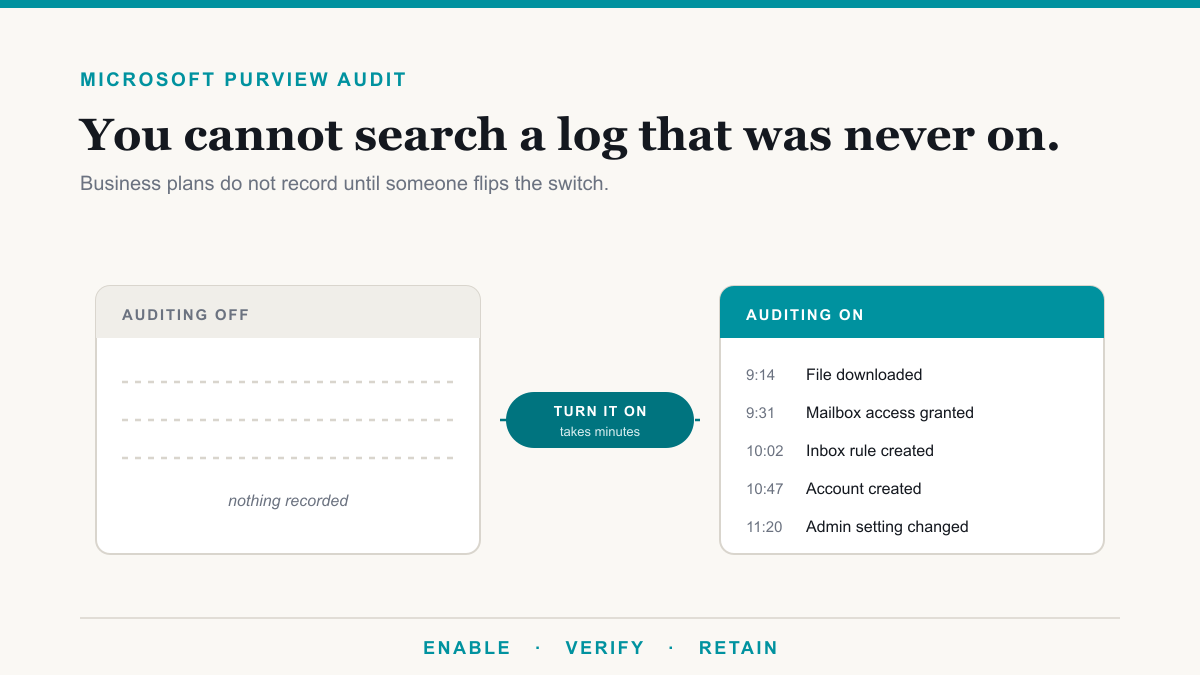
Audit. Copilot stores prompts, responses, and citations as interaction data. You review that through Microsoft 365 audit, the same family of logs described in our Purview audit notes. If audit was never switched on, you will not get a history after the fact.
Step 1: labels
Start with a short taxonomy people will use: Public, Internal, Confidential, and one regulated label (Patient, Client, or similar) if you need it. Publish those labels, apply them by hand on the files that would cause an incident, then add auto-labeling later if your license includes it.
Encryption behavior is the Copilot-relevant part. Microsoft's privacy documentation states that when data is encrypted by Purview Information Protection, Copilot honors the usage rights granted to the user. A "Confidential" label that only adds a header does not do that. A label that encrypts and limits access does. Test with two accounts: one that should open the file, one that should not. The second account should not get the file back from Copilot either.
Do this before a broad Copilot rollout. Labeling after launch means Copilot spent a month answering from unlabeled, overshared libraries. For the oversharing cleanup that should sit next to labels, use the exposure list rather than guessing.
Step 2: DLP for Copilot
In the Microsoft Purview portal, Data Loss Prevention, create a custom policy and turn on the Microsoft 365 Copilot and Copilot Chat location. Microsoft notes that when that location is selected, other locations on the same policy are disabled, so this is a Copilot-specific policy, not a bolt-on to your existing email rule. Conditions are content that contains sensitivity labels, or content that contains sensitive information types. Actions include preventing Copilot from processing that content, and preventing Copilot from using external web search when the prompt itself contains those types.
Run in simulation or audit-style modes first where Microsoft supports it, then enforce. Policy updates can take up to several hours to show up in Copilot, which Microsoft documents. Do not test for five minutes and conclude it failed.
Step 3: audit and reporting
Turn audit on if you are on a Business plan. Microsoft states that auditing is not enabled by default for Business Basic, Standard, and Premium. Enterprise behavior is different, which is why people assume it is already running. Once it is on, Copilot interactions are in the same compliance story as the rest of Microsoft 365 content: stored, encrypted at rest per Microsoft's Copilot privacy documentation, not used to train foundation models, and subject to your retention.
Decide who reviews Copilot activity and how long you keep it. A log nobody searches is not a control. It is a disk.
What licensing each control needs
Be honest about SKUs. From Microsoft's Purview service description and our Purview licensing breakdown:
- Business Premium and E3: manual labels, DLP for Exchange, SharePoint, and OneDrive, Audit (Standard) once you enable it. Enough to start labeling and to run ordinary DLP.
- Automatic labeling, endpoint DLP, and many investigative features: E5 or a Purview add-on. The Microsoft Purview Suite for Business Premium add-on lists at $10 per user per month paid yearly, 300-seat cap, Business Premium required.
- Copilot DLP location: confirm against current Microsoft 365 and Purview licensing guidance for your agreement before you promise it on a Business-only tenant. Do not assume every DLP checkbox exists on every plan.
Copilot itself is a separate purchase: Business Standard with Copilot at $23.50, Business Premium with Copilot at $32, or the add-on path. Purview does not include Copilot seats.
The order matters
Labels after launch fail because Copilot has already been answering from whatever the user could open, including unlabeled HR files. DLP after launch fails because you are bolting a block onto a habit. Audit after an incident fails because Business-plan audit may never have been on. The sequence is labels on the files that matter, Copilot DLP policy, audit confirmed, then licenses for a pilot. That is the same sequence as the Copilot deployment work: governance, then seats.
If you want the named files Copilot would find before any of that, The Copilot Exposure List pulls one sensitive category at no charge for qualified businesses.
Frequently asked questions
Can Purview sensitivity labels stop Copilot from reading a file?
When a label encrypts the file and the signed-in user is not granted the usage rights to open it, Microsoft Copilot honors those rights and does not use the file in an answer. A label that only stamps a watermark, with no encryption, does not create that barrier. Encryption is the control that actually stops Copilot, not the display name of the label.
Does Copilot respect DLP policies?
Yes, when you configure Microsoft Purview DLP with the Microsoft 365 Copilot and Copilot Chat location. That custom-policy location can prevent Copilot from processing content that matches sensitivity labels or sensitive information types, including blocking external web search when a prompt contains those types. Ordinary Exchange-only DLP does not automatically cover Copilot.
Are Copilot prompts recorded in the Microsoft 365 audit log?
Copilot stores the user's prompt and the response, including citations, as interaction data in Microsoft 365, and that activity can be audited under your organization's commitments. On Business plans, audit logging is often not enabled until an admin turns it on, so confirm it is actually running before you rely on the log.
What license do you need for Purview controls on Copilot?
Manual sensitivity labels and DLP for email and files are included in Business Premium and E3 for most small firms. The Copilot DLP location and automatic labeling sit in higher Purview or E5-tier licensing. Check Microsoft's Purview service description against your SKU before you promise a control you cannot turn on. The $10 Purview Suite add-on for Business Premium is the usual step-up under 300 seats.
Set Purview for Copilot before you buy the seats
Purview for Copilot is labels, then DLP, then audit, then licenses. Skip the order and you spend the first month explaining answers you could have prevented. If you want help putting that sequence on your tenant, Desert Lakes Solutions offers a no-pressure discovery call. Book a discovery call, or start with the exposure list if you want file names first.