PRTG, LogicMonitor or SolarWinds for security cameras: what they see and what they miss
Published November 3, 2026
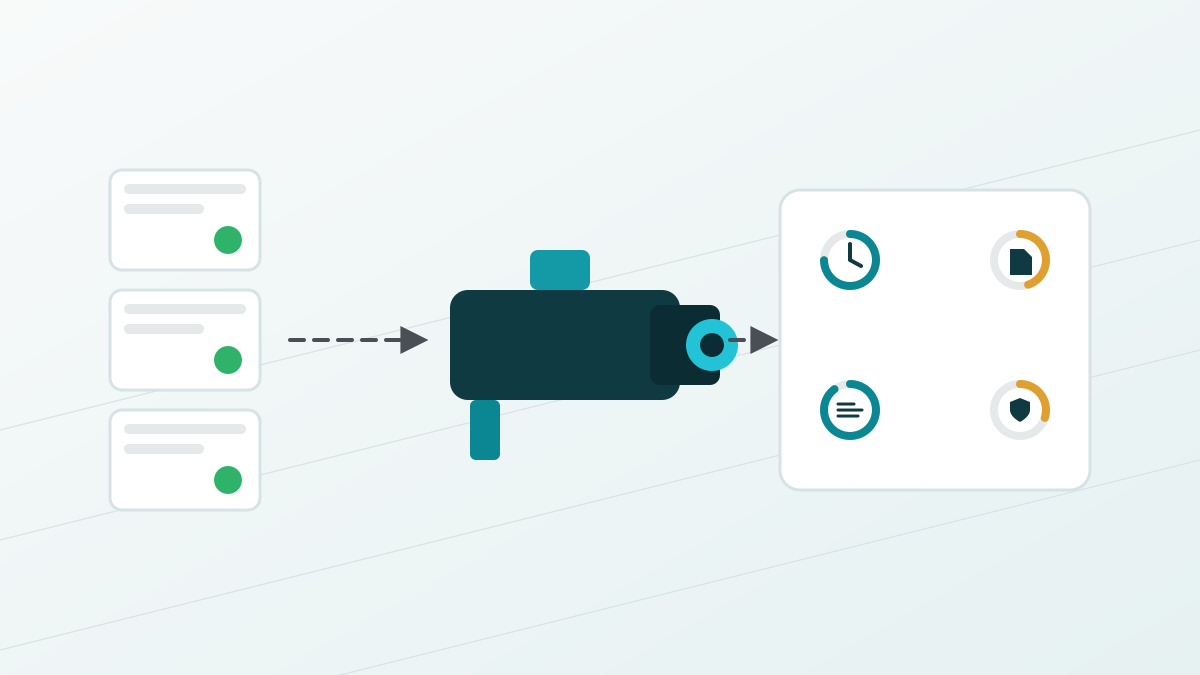
PRTG, LogicMonitor and SolarWinds can monitor security cameras the way they monitor any network device: ping it, poll it over SNMP, check that its web page answers. That tells you a camera is reachable. It does not tell you whether the camera is recording, keeping correct time, running safe firmware or wearing out its SD card, and none of the three fixes anything when it finds a problem. If you run a building, a campus or a city with a few hundred to a few thousand cameras, that gap is the difference between a dashboard that says green and footage that is actually there when someone asks for it.
This guide is for the facilities, security or IT director who already owns one of those tools and is deciding whether it covers the cameras too. The vendor facts are from each company's documentation as of November 3, 2026, and the links are below each claim.
What network monitoring for security cameras looks like in each tool
All three treat a camera as a box with an IP address. That is a fair place to start, and each vendor documents it a little differently.
| Tool | How it watches a camera | Camera-specific support | What it does when something breaks |
|---|---|---|---|
| PRTG | HTTP, Ping and SNMP sensors; vendor MIBs through the SNMP library; storage sensors on the recorder; a PowerShell script sensor for anything else (Paessler guide) | No camera or ONVIF sensor in the sensor list (PRTG sensor list) | Alert, then "Execute HTTP Action" or "Execute Program" (PRTG notifications) |
| LogicMonitor | Generic LogicModules that define how to access, collect and alert on a device's data (LogicModules) | A Meraki camera health DataSource in release notes; no ONVIF or Axis module found in the documentation | Alert, plus scripted remediation under a separate Automated Diagnostics and Remediation license (LogicMonitor remediation) |
| SolarWinds NPM | SNMP polling, plus Universal Device Pollers for any statistic a camera exposes over SNMP (SolarWinds UnDP) | No camera template or ONVIF support found; community posts describe SNMP from PoE cameras as basic (THWACK) | Alert, with external program and web request actions |
None of this is a criticism. These are network and server monitoring products, and they are good at that job. The switch the camera hangs off, the PoE budget, the uplink to the recorder and the recorder's own disk all belong in them. The question is what they can know about the camera itself, and the honest answer is: what the camera volunteers over SNMP, and whether it answers a ping.
The failures a ping never sees
Cameras fail in ways that leave the address responding. The web page loads, the SNMP agent answers, the dashboard tile stays green, and the footage is still gone. These are the checks that need a camera-aware tool, and what the three tools document for each.
- Clock drift. A camera that has lost its time source stamps footage with the wrong time, and wrong-time footage is footage a lawyer can take apart. PRTG has generic SNTP sensors for time servers, but nothing that reads a camera's own clock against your source. LogicMonitor and SolarWinds document nothing for it. MentatNOC's guide to camera time sync explains why the camera's own clock, not the network's, is the number that matters.
- SD card and edge storage. Cameras that record to a card at the edge wear that card out, and a full or failed card stops local recording without changing anything a ping can see. None of the three tools documents edge storage health for cameras. PRTG can watch free space on the recorder, which is a different disk.
- A frozen or black stream. The device is up and the recording path has stopped. A camera-disconnect discussion among SolarWinds users describes exactly this: network activity but no video, and the tool shows the camera available. This is the failure that gets found in March when someone asks for January.
- Firmware. Which version each camera runs, and whether that version has a published vulnerability, is not something SNMP up/down answers. None of the three documents camera firmware tracking.
- Default and stale credentials. The password a former technician set in 2021 is still on forty cameras. No network monitor checks that. It is also the most common way a camera becomes somebody else's.
- Certificates. PRTG has a generic SSL certificate sensor you could point at each camera by hand. At fleet scale nobody does, and a shared certificate expiring takes a floor of cameras off the network on the same morning.
- Tamper. A camera turned to face the wall is up, reachable and useless.
The difference between watching the scene, watching the address and watching the device is the whole subject. Network monitoring is watching the address.
Finding it is half the job; none of the three fixes it
When PRTG, LogicMonitor or SolarWinds does catch a camera down, the remedy is a notification and, if you build it, a generic script or web call. LogicMonitor goes furthest with scripted remediation, and that is a separately licensed add-on with documented limits. None of them will reboot a camera, resync its clock, rotate a credential, renew a certificate or push firmware across a fleet in a controlled way. That work lands on your team or your integrator, one truck roll at a time, and the tool that found the problem has no record of what was done about it.
For a server estate that is fine, because the server team has other tools for the fixing. For a camera estate the fixing tools mostly do not exist outside the camera vendor's own utility, which handles one brand and keeps no audit trail.
What a SIEM does for servers, MentatNOC does for cameras
NIST describes a security information and event management tool as an application that gathers security data from system components and presents it as actionable information through a single interface (NIST glossary). None of the three network monitors is one, by their own description. SolarWinds sells a separate product for that job.
MentatNOC plays that role for a camera fleet. It talks to the camera itself, over ONVIF and the Axis, Bosch and Hanwha vendor interfaces, and keeps the list a network monitor cannot: availability, recording and stream health, time against your source, firmware posture, credentials, certificate expiry, edge storage where the camera reports it, and tamper. Every alert arrives classified by severity, issue type, device and site, lands in your ticketing system by email, webhook or a native Autotask or ServiceNow connection, and carries the evidence captured around the event. Dispatch knows which camera and which part before the truck leaves.
Then it acts. Firmware push and rollback, credential rotation, certificate lifecycle and account lifecycle run through one path: requested by a named person, approved by a different one, proven on a canary batch, rolled out in staged waves with health checks between them, rolled back automatically if a wave fails, and recorded. The compliance layer turns that record into the evidence packs an auditor asks for under SOC 2, PCI DSS, HIPAA or CMMC. MentatNOC is sold through security integrators, not direct, and priced to the integrator per camera.
Keep PRTG for the switches: who owns which layer
| Layer | Question it answers | Right tool |
|---|---|---|
| Network | Is the switch up, is the PoE budget exceeded, is the uplink saturated, is the recorder's server healthy? | PRTG, LogicMonitor or SolarWinds |
| Camera device | Is this camera recording, on time, on safe firmware, holding current credentials and certificates, pointed where it was installed, with healthy storage? And who fixed it when it was not? | MentatNOC |
| Scene | Who walked through the door, and when? | Your video management system and operators |
The three overlap on exactly one check, reachability, which is why a camera that answers a ping shows green in all of them. Everything else on the device list is a different product's job.
Where Desert Lakes fits
Cameras are network devices with passwords, firmware and certificates, so they are in scope for the same patching, credential and segmentation controls as everything else on a network we manage, and they come up in HIPAA, PCI DSS and cyber insurance reviews more often each year. Our managed IT practice runs the network layer with the tools above. For the camera layer, MentatNOC is the tool built for the job. If a compliance requirement is what started this, our sister firm's guide to getting a camera system to meet compliance requirements covers what PCI DSS, HIPAA, CMMC and the NDAA actually ask for.
Frequently asked questions
Can PRTG monitor IP cameras?
Yes, as network devices. Paessler's own guide covers cameras with HTTP, Ping and SNMP sensors, vendor MIBs loaded through the SNMP library, and storage sensors for the recorder. PRTG has no camera or ONVIF sensor in its sensor list, so it reports whether the camera answers and what the camera chooses to publish over SNMP, not the camera's clock, edge storage health or recording state.
Does LogicMonitor or SolarWinds support ONVIF cameras?
Neither documents an ONVIF module. LogicMonitor's library is built from generic LogicModules, with one Meraki camera health DataSource noted in release notes. SolarWinds polls cameras over SNMP and lets you add custom pollers for any OID a camera exposes. Both tell you the device is reachable and whatever SNMP reports. Camera-internal health is outside what either documents.
Is MentatNOC a SIEM?
Not in the log-collection sense. NIST describes a SIEM as a tool that gathers security data from system components and presents it as actionable information in one interface. MentatNOC does that job for a camera fleet: device health, time, firmware, credentials, certificates, tamper and storage, classified into tickets with evidence kept, and then acts on what it finds. It does not replace the SIEM that watches your servers and identities.
Do I still need PRTG or SolarWinds if I have MentatNOC?
Usually yes, for what they are good at. The switch the camera hangs off, the PoE budget, the uplink and the recorder's server are network and server monitoring jobs, and the tools do them well. MentatNOC watches the camera itself. The two overlap on one check, reachability, and the rest of the lists are different.
Network monitoring for security cameras: use it for the network
PRTG, LogicMonitor and SolarWinds will tell you a camera is reachable, and that is worth knowing. They will not tell you it stopped recording, lost its clock, wore out its card or still carries a 2021 password, and they will not fix any of it. Put the network layer in the tool you already own and the camera layer in a tool built to read the camera and act on it. If you would like to see what that split looks like for your sites, Desert Lakes Solutions offers a no-pressure discovery call to walk through your camera estate and where the gaps are. Book a discovery call.